


Disclosure: some links in this article are affiliate links. If you sign up through one, HeroHunt may earn a commission at no extra cost to you.
As a recruitment agency, having a professional online presence is a must in today's digital age. Your website is often the first point of contact that potential clients and candidates have with your business.
It's therefore important that your website is well-designed, user-friendly, and reflects the professionalism of your agency. However, not everyone has the technical skills or budget to create a custom website from scratch. This is where website builders come in.
Website builders are online platforms that allow anyone to create a website without any coding or design knowledge. They offer a range of features and templates that can be customized to suit your agency's branding and are generally much cheaper than hiring a professional web designer. In this article, we will explore five different website builders that are perfect for recruitment agencies. With these tools, you can improve your online presence and attract more clients and candidates to your agency.
One thing to know before you start comparing: all five of these will build you a site, and none of them will run your jobs. That gap costs agencies more time than the choice of builder does, so we cover it after the list. A note on price, too. Builder pricing changes constantly, varies by region and is buried behind promo rates, so every figure below was checked against the vendor's own pricing page in July 2026, and where a vendor does not publish a machine-readable price we say so instead of guessing.
These are the best website builders for your recruitment agency:
- Squarespace
- Wix
- WordPress
- Weebly
- GoDaddy
1. Squarespace
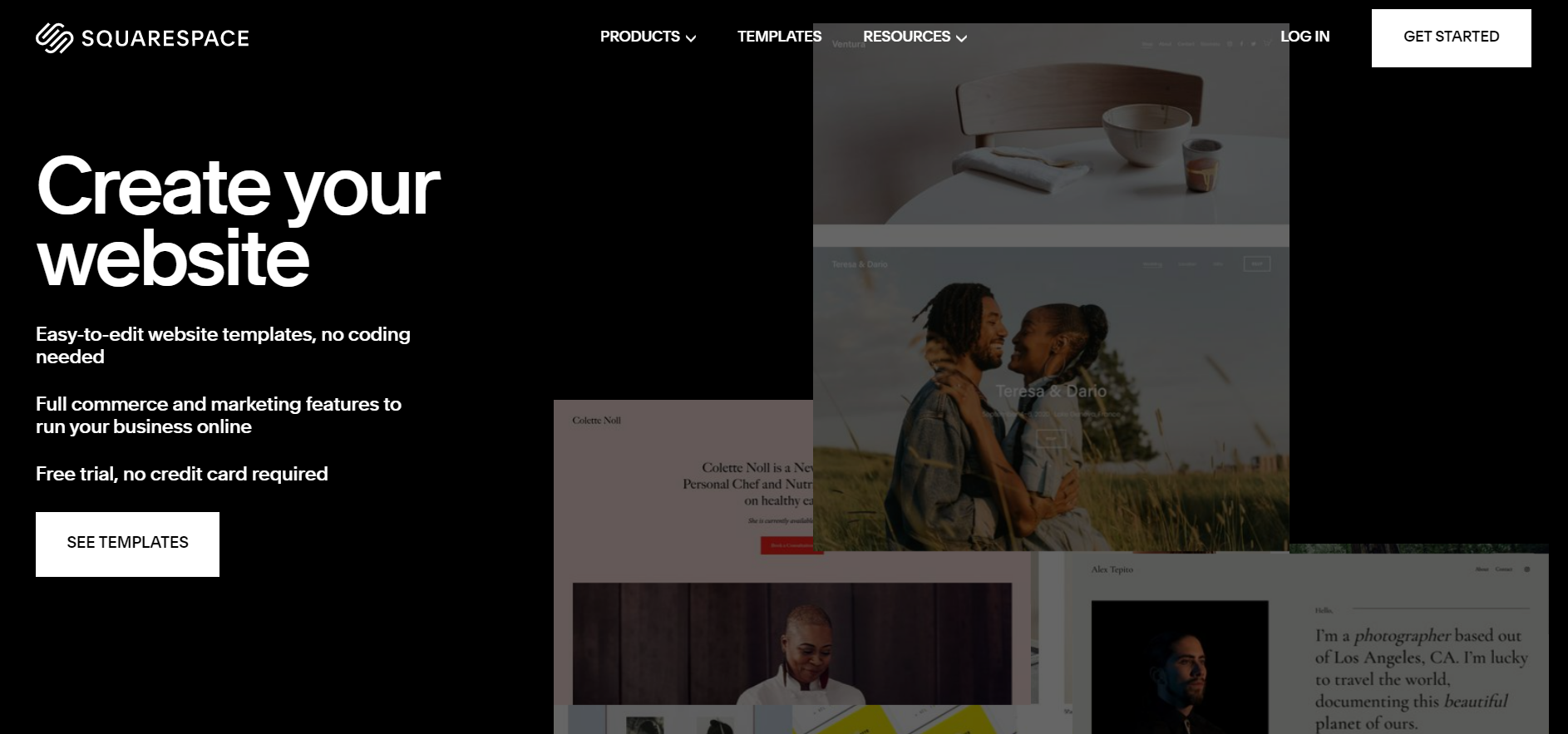
Squarespace is a website builder that offers sleek and modern templates, making it an ideal choice for recruitment agencies that want to showcase their brand and professionalism. Squarespace has an easy-to-use drag-and-drop interface, making it simple for anyone to create a beautiful and functional website.
Price: Squarespace renamed its tiers in late 2025, so the Personal, Business and Commerce plans you will still see quoted in older articles no longer exist for new signups. The US plans are now Basic, Core, Plus and Advanced, listed on Squarespace's own pricing page at $228, $348, $588 and $1,188 per year when billed annually (about $19, $29, $49 and $99 per month). Paying month to month costs meaningfully more: $25, $39, $65 and $139. For a standard agency site with a few pages and a blog, Basic is enough.
Free Trial: 14 days, on every plan, before you pay anything.
Key Feature: The templates. Squarespace is the most opinionated builder of the five, which is the point: it is genuinely hard to make a Squarespace site look bad, because it gives you less freedom to.
Why recruitment agencies should use it: If your agency competes on looking credible to clients and you do not want to think about design, Squarespace gets you there fastest. The honest trade-off: it is the most expensive entry point of the five and the least extensible, so if you expect to bolt a lot of custom functionality onto the site later, look at WordPress instead.
2. Wix
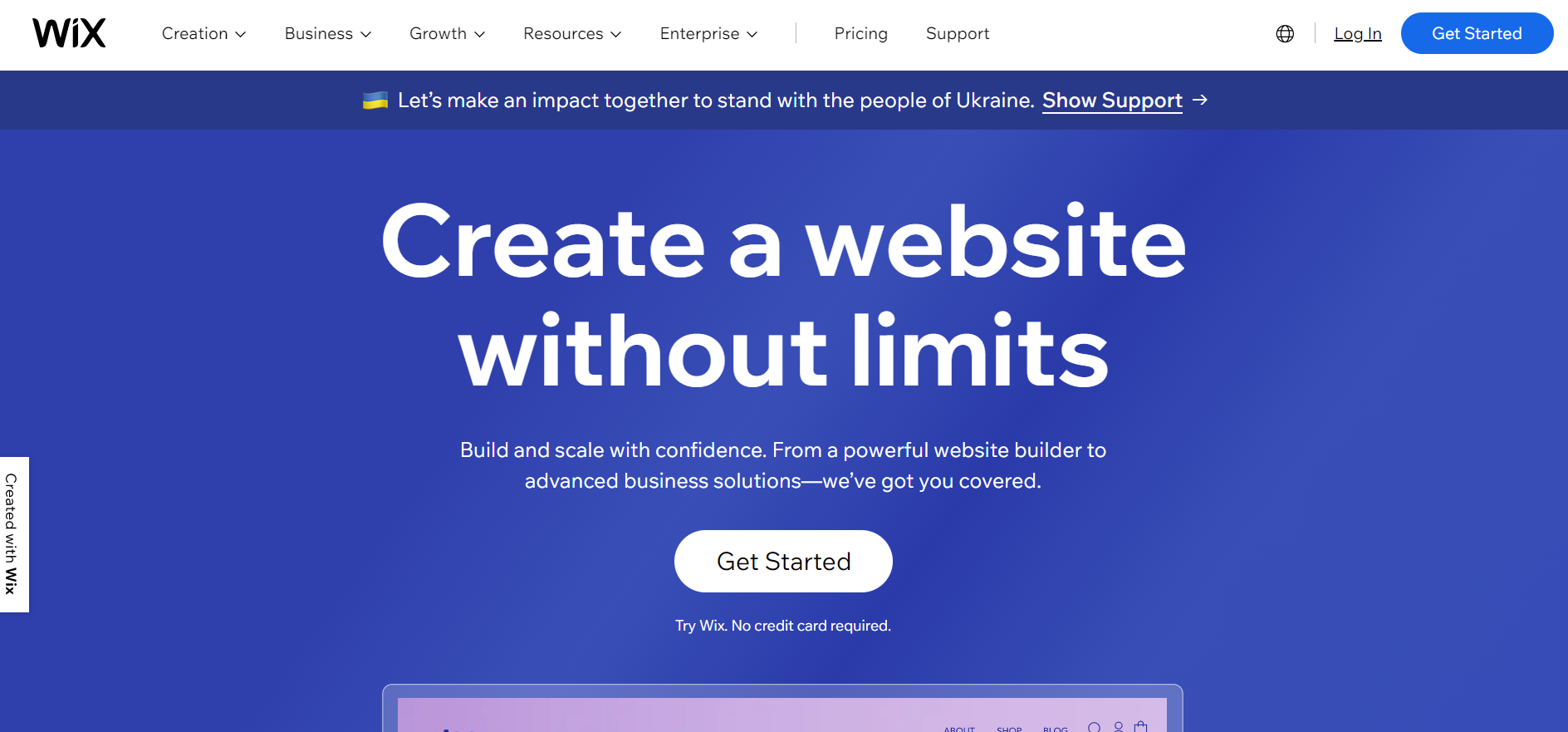
Wix is a popular website builder that offers a range of templates and customization options, making it a flexible option for recruitment agencies. Wix's drag-and-drop interface makes it easy to create a website quickly, and the old Wix ADI tool has since been folded into the AI website builder it now leads with.
Price: Wix runs four Premium tiers, topping out at Business Elite. We are not going to print the numbers: unlike Squarespace, Wix does not publish its prices in a way that can be checked from outside a browser session, and what it quotes you depends on your region and whatever promotion is running that week. Check wix.com/plans in your own currency, and check the renewal price rather than the first-year price.
Free Trial: There is a free plan you can build on indefinitely before you decide to pay.
Key Feature: Volume and speed. Wix advertises 900+ templates and an AI website builder that drafts a whole site from a description of your business, which is the fastest way of the five to get something live on a Friday afternoon.
Why recruitment agencies should use it: Wix is the right pick if you want maximum control over the layout without touching code, and it will get a small agency live quickly. Two honest warnings. Wix has a built-in contact manager, but treating it as a candidate database is a trap: it has no pipeline, no stages and no parsing, so it will not survive your first ten placements. And Wix sites are effectively locked in, because there is no clean export to another platform if you outgrow it.
3. WordPress
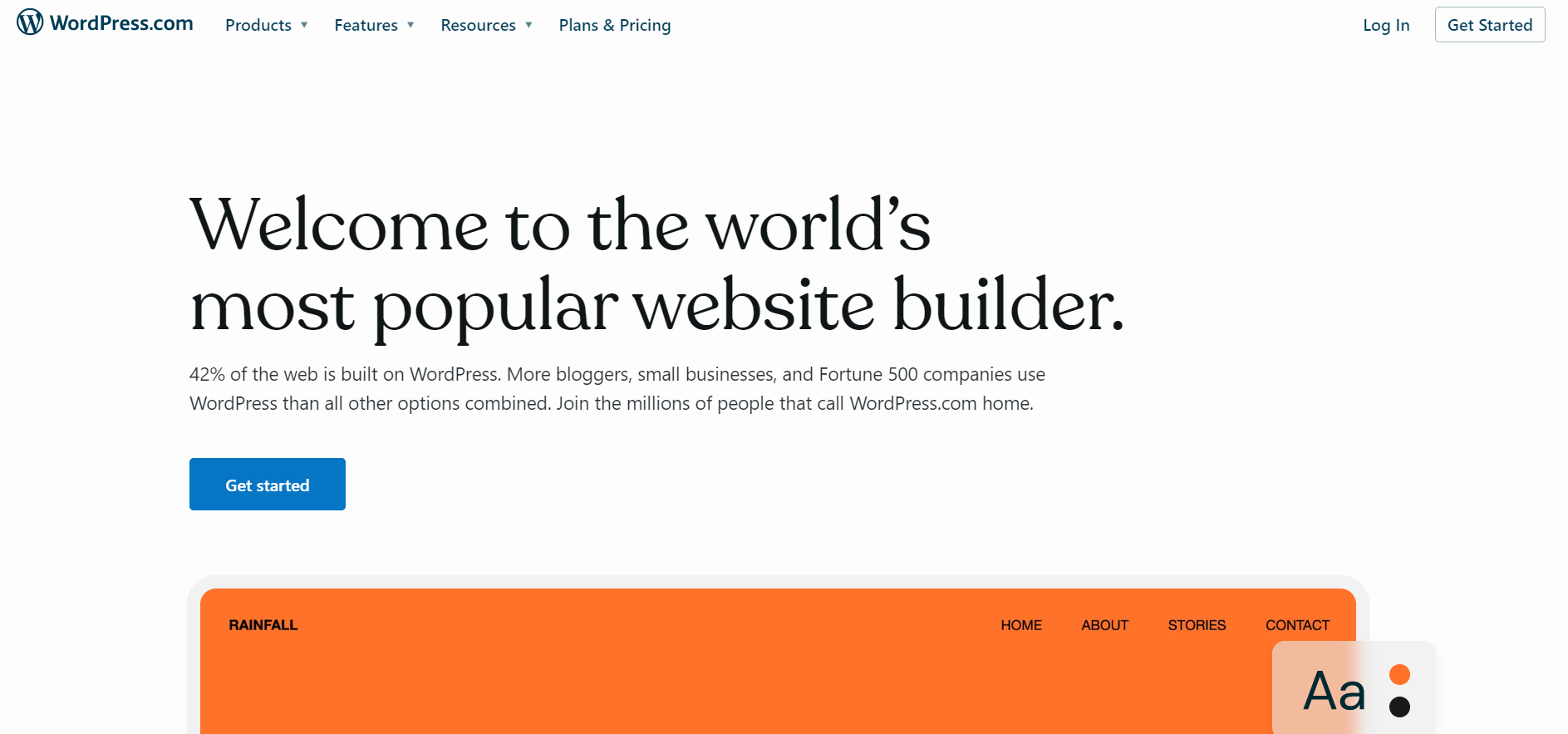
WordPress is a popular website builder that offers flexibility and customization options, making it a good choice for recruitment agencies that want to create a unique website. WordPress is an open-source platform, meaning that it can be customized extensively with plugins and custom code.
First, the thing that confuses everyone: there are two WordPresses. WordPress.org is the free open-source software you install on hosting you rent yourself, and it is what people mean by "WordPress can do anything". WordPress.com is a managed, paid product run by Automattic. Same name, different decision. Older guides (including an earlier version of this one) link to the second and describe the first.
Price: WordPress.org software is free and your real cost is hosting, which runs from a few dollars a month on shared hosting to serious money on managed WordPress hosting, depending entirely on the host you choose. WordPress.com sells its own plans. Either way, budget for a developer's time at some point: that is the line item people forget, and it dwarfs the hosting bill.
Free Trial: No trial as such. You can open a free WordPress.com account to try the editor.
Key Feature: Plugins. The recruitment-specific one worth knowing is WP Job Manager, which is still actively maintained: version 2.4.5, 80,000+ active installations, tested against WordPress 7.0.1. Per WordPress.com's own support docs, plugins now install on all of its paid plans (Personal, Premium, Business and Commerce), which was not true a couple of years ago when plugins were gated behind the Business tier.
Why recruitment agencies should use it: WordPress is the only option here with no ceiling, and if you plan to compete on content and SEO it is the safest long-term bet, because you own the site and can move it. The catch is that it is not really a website builder, it is a website. Somebody has to keep the plugins updated, and an unmaintained WordPress install is the most reliably hacked object on the internet. If nobody at your agency owns that job, pick Squarespace and spend the saved hours recruiting.
4. Weebly
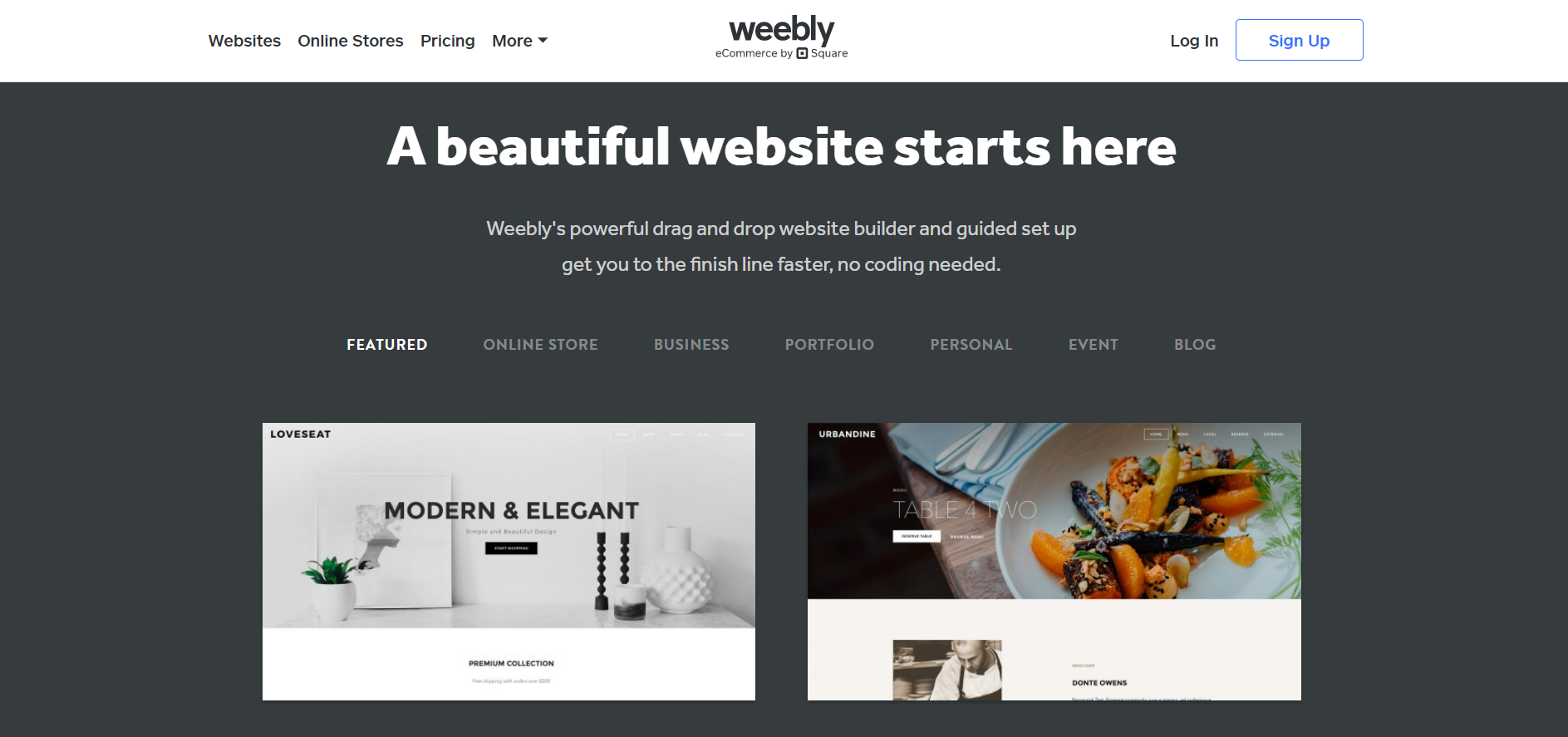
Weebly is a popular website builder that has been around since 2006. It offers a drag-and-drop interface that allows users to create a website quickly and easily without any coding experience. Weebly has a variety of themes and templates to choose from, and it allows users to customize their website with different fonts, colors, and images.
Price: Weebly's pricing page lists a free tier, then Personal, Professional and Performance. Served from Europe those read as EUR 11, EUR 17 and EUR 30 per month billed annually (EUR 14, EUR 22 and EUR 40 month to month); Weebly shows the equivalent in your local currency. It is the cheapest paid entry point of the five.
Free Trial: A permanent free plan, but it puts Square ads on your site, which is not a look you want in front of a client.
Key Feature: Simplicity, and a mobile app for editing. The more important fact is who owns it: Weebly is a Square company now, and its plan structure is built around Square's commerce stack. Read Weebly's own feature comparison and you are mostly reading about shopping carts, inventory management, Square gift cards and in-store pickup.
Why recruitment agencies should use it: Mostly on price, and mostly if you already use Square. Being straight with you: this is the weakest fit of the five for a recruitment agency. Almost everything you are paying for is retail commerce tooling you will never open, the design ceiling is the lowest here, and it has had the least visible product investment since the Square acquisition. Choose it if the budget is genuinely EUR 11 a month and nothing else matters.
5. GoDaddy
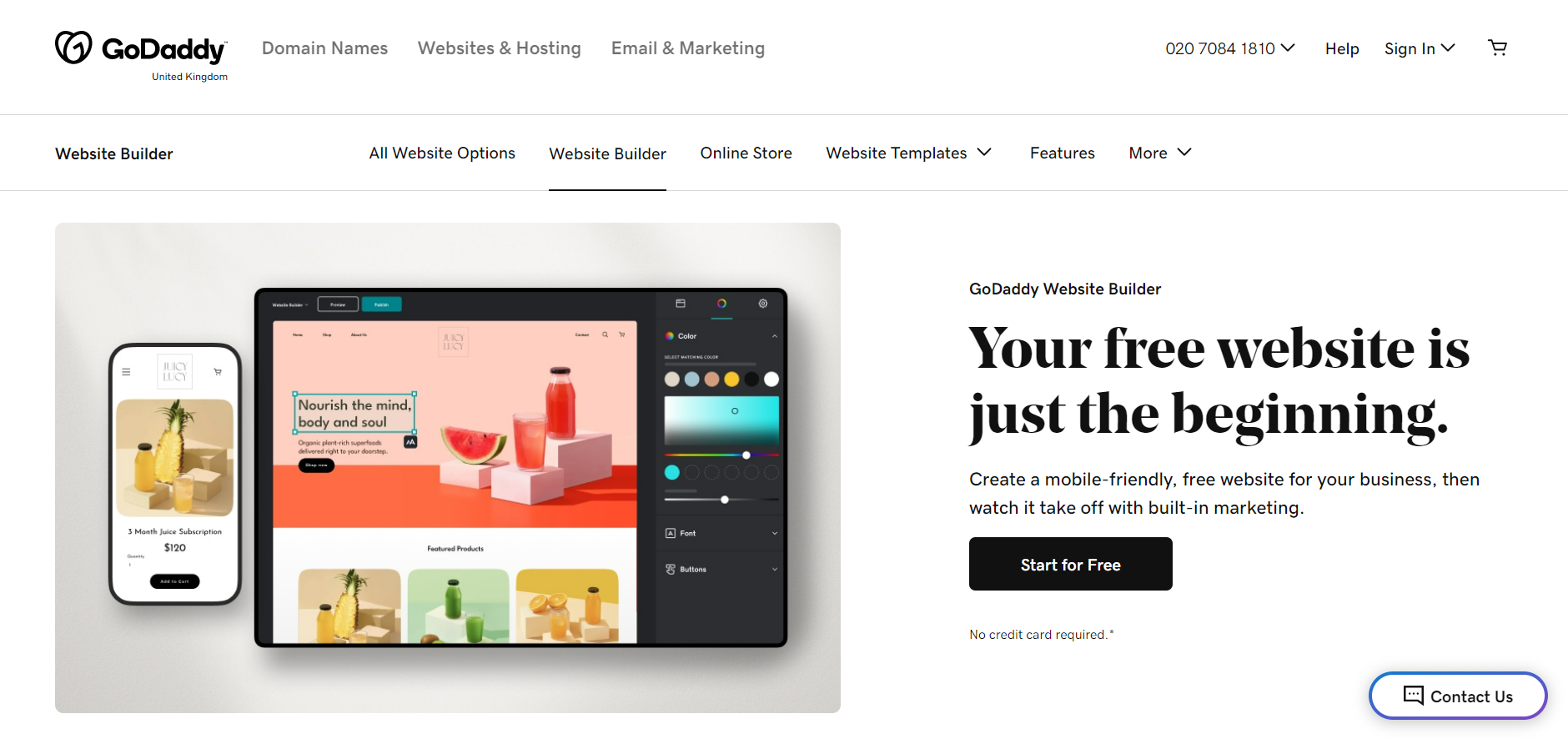
GoDaddy is a popular website builder that is used by millions of people worldwide. The platform offers a range of tools that make it easy to create a professional-looking website quickly and easily. GoDaddy is known for its affordability, simplicity, and versatility, which makes it a popular choice for small businesses and individuals who want to create a website without any technical expertise.
Price: GoDaddy's site blocks automated price checks, so we will not quote a figure we could not read ourselves. What matters more than the headline number anyway: GoDaddy's pricing is promotional by design, so the number you sign up at is not the number you renew at. Before you commit, find the renewal rate, not the intro rate.
Free Trial: GoDaddy has historically offered a free trial on Website Builder. Confirm it is still running when you sign up.
Key Feature: Everything in one bill. If GoDaddy already has your domain and your email, adding the site there is the path of least resistance and one less vendor to manage.
Why recruitment agencies should use it: It is the convenience option for a one or two person agency that needs a site to exist by Monday and already buys its domain here. 24/7 phone support is a real advantage if you are not technical and want a human. The trade-off is that the design ceiling is low and you will notice it once you are pitching against agencies on Squarespace.
The gap all five leave: your live job board
Here is what nobody tells you before you pick a builder. Every one of these five is a page tool. Your jobs are not pages, they are a pipeline, and the difference shows up in week three.
Build your vacancies as hand-made pages and you own the consequences: every filled role has to be manually unpublished, every new role is a copy-paste job, applications arrive as an email with a CV attached, and nothing is searchable six months later when a client asks for someone you already spoke to. Agencies routinely leave dead roles live for weeks this way, which is the single worst look on a recruitment website, because it tells a candidate nobody is home.
The fix is not a better builder. It is to stop keeping jobs in the website at all. Run the roles in your ATS and let the website display them, so publishing and unpublishing happens in one place and applications land in a pipeline instead of an inbox.
Manatal: the job board layer for the site you just built
For an agency, the cheapest way to close this gap is an ATS with a career page you can embed. Manatal's career page is a good fit here specifically because it is designed to sit inside a site like the one you are about to build: Manatal's own documentation lists compatibility with WordPress, Wix and Squarespace, and offers four ways to connect it (a custom domain, a link to their hosted page, an iFrame embed so candidates never leave your domain, or a career page API if you want full control of the markup). Candidates who apply are parsed and scored into your Manatal account automatically, which is the part a Wix contact form will never do.
Manatal
Every builder above sells you pages. None of them give you a pipeline, and that is the actual bottleneck in an agency website. Manatal closes it for $15 per user per month billed annually ($19 month to month), with a 14-day trial that does not ask for a card, and the iFrame embed keeps the jobs on the domain you just paid Squarespace or Wix for. Two honest caveats before you click. That $15 tier caps at 15 active jobs and 10,000 candidates, so a busy agency running more than 15 live roles is really pricing the $35 tier, not the $15 one. And this is an ATS, not a website builder: it replaces nothing above, you still need one of the five.
Having a strong online presence is vital for recruitment agencies looking to attract top talent and stand out in a saturated market. With the help of the right website builder, your agency can create a modern, professional website that showcases your expertise, services, and job opportunities in the best possible way. If you want the short version: pick Squarespace if the site has to look credible to clients and you do not want to think about it, WordPress if you are going to compete on content and someone will actually maintain it, Wix if you want layout control without code, and GoDaddy or Weebly if the site just needs to exist cheaply this week. Any of the five is a defensible choice, and the difference between them matters far less than the two things most agency sites get wrong: leaving filled roles live, and treating an inbox as a candidate database.
So choose a builder quickly, then spend the time you saved on the job board behind it. Once the site is live, an AI chatbot like Tidio can engage candidates and visitors in real time, answering their questions and capturing leads around the clock.
Building the site this week? Set the jobs up properly at the same time: 14-day trial, no card, and the career page embeds into whichever of the five you chose.