



Disclosure: some links in this article are affiliate links. If you sign up through one, HeroHunt may earn a commission at no extra cost to you.
Chrome extensions are used by recruiters to improve their searching and outreach efficiency and to automate repetitive tasks.
Functionalities of chrome extensions can vary from a simple screenshot to finding contact details or reading a candidate's tech stack at a glance.
If you're looking to improve your speed of sourcing and your hiring effectiveness, most of these are a no brainer to install into your chrome browser. One warning on the word "free" though: the screenshot and browsing tools genuinely are free forever, while the contact finders and Loom are freemium, and the volume you actually need sits behind a paid tier. We name the real limit in each section instead of pretending it isn't there.
Every extension below was checked against its Chrome Web Store listing in July 2026. One tool that older lists (including an earlier version of this one) still recommend has been dropped, because it no longer exists. We say which at the end.
The top 9 chrome extensions for sourcers and recruiters:
- Lusha
- ContactOut
- Loom
- GlossaryTech
- Quillbot
- Lightshot
- Highlighty
- Search by image
- Linkclump
1. Lusha
Lusha is used to find contact details like email addresses and phone numbers. When you have the chrome extension installed you simply navigate to a candidate's profile and hit the button to see any contact details the extension could find. It leans towards work emails and direct dial phone numbers, which makes it strong on candidates who sit at a company with a real web presence and weaker on everyone else. Reveals are metered as credits rather than unlimited, so the free tier is best treated as a coverage test on your own roles. You can also use RocketReach, or ContactOut below.
Lusha
Of the two contact finders on this list, Lusha is the one to install first if your candidates sit inside companies: open a LinkedIn profile, hit the button, and it returns work emails and direct dial numbers in the sidebar without you leaving the tab. Be clear about the cost before you build a workflow on it. The extension itself installs free and there is a free tier, but reveals are metered as credits, and paid plans start at $49.90 per user per month, with the tiers above that at $69.90 and then $399.90. That jump from $69.90 to $399.90 is where most solo recruiters stop paying. And because the database is built for B2B sales, coverage is strongest on people with a corporate footprint and thinner on everyone else. If what you actually need is personal Gmail addresses, install ContactOut at number 2 instead.
2. ContactOut
ContactOut does the same job as Lusha but is built for recruiters rather than sales teams, and the practical difference is personal email addresses. It surfaces personal Gmail and Outlook addresses alongside work ones, which is what you want when you are contacting someone who would rather not get a recruiter mail in their work inbox, or who is between jobs and has no work inbox at all. It also runs on GitHub as well as LinkedIn, so it covers the developer sourcing case. The free tier is capped per day, which is enough to check whether it finds your kind of candidate before you pay for a recruiter seat.
3. Loom
Loom is a tool to make short videos including screen recordings which can be used to send videos to candidates. Loom is great for doing video outreach to candidates and sending additional information including your voice over about your company and position. Check the free tier before you build a sequence on it: Loom's Starter plan caps you at 25 videos per person and five minutes per recording. Unlimited videos and unlimited recording length start on Business at $18 per user per month, which also removes the Loom branding from what your candidate sees.
4. GlossaryTech
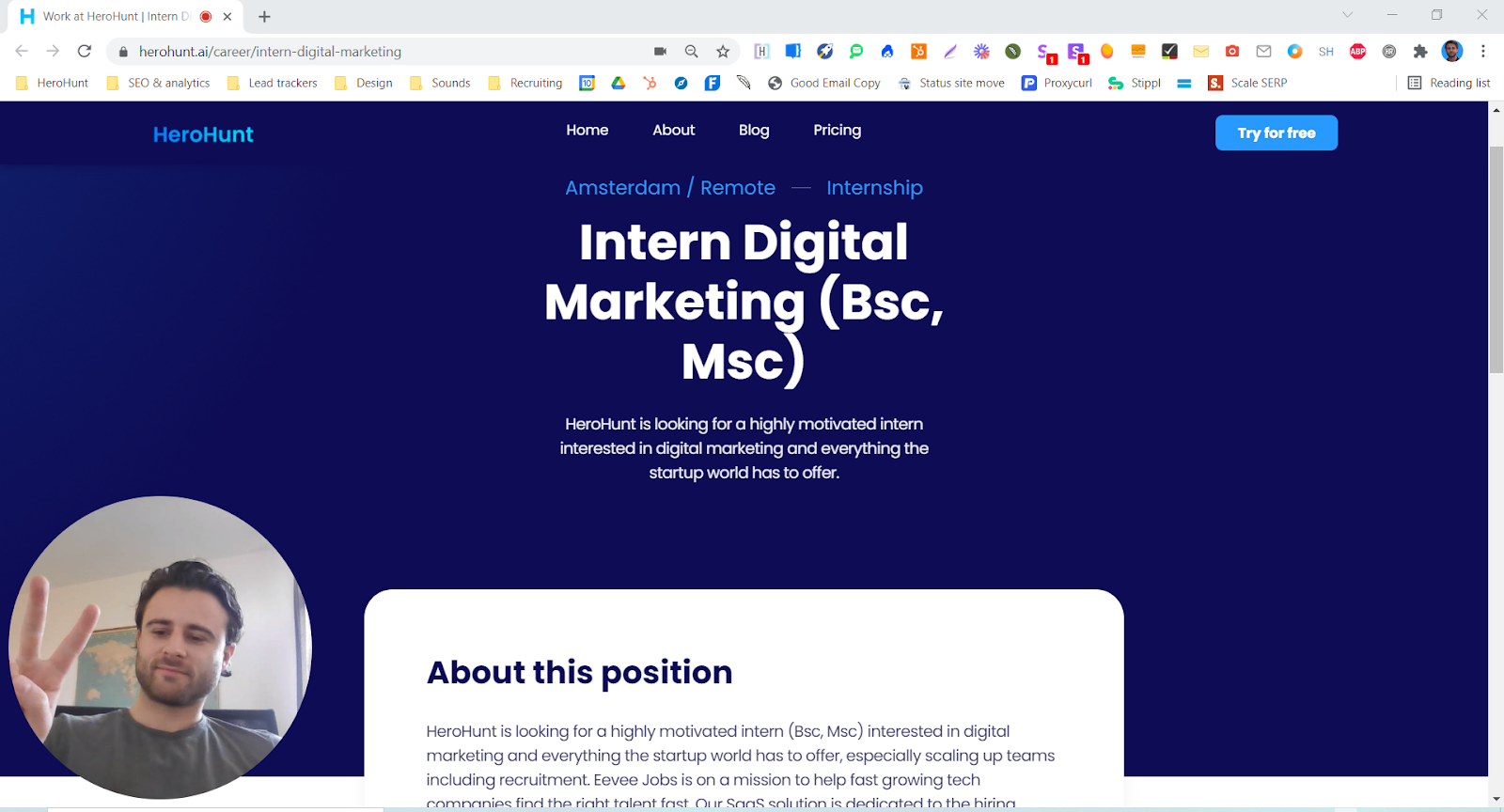
GlossaryTech highlights all the tech related keywords on a candidate profile page and shows you the definition when you hover over one. This tool is great for quickly analysing a tech candidate profile and educating yourself about the meaning of certain technologies and frameworks, which is the difference between confusing Java with JavaScript on a screening call and not. The listing now reads "GlossaryTech, Backed by Dice" after Dice picked it up, and there is an Edge build as well as the Chrome one. Still free.
5. Quillbot
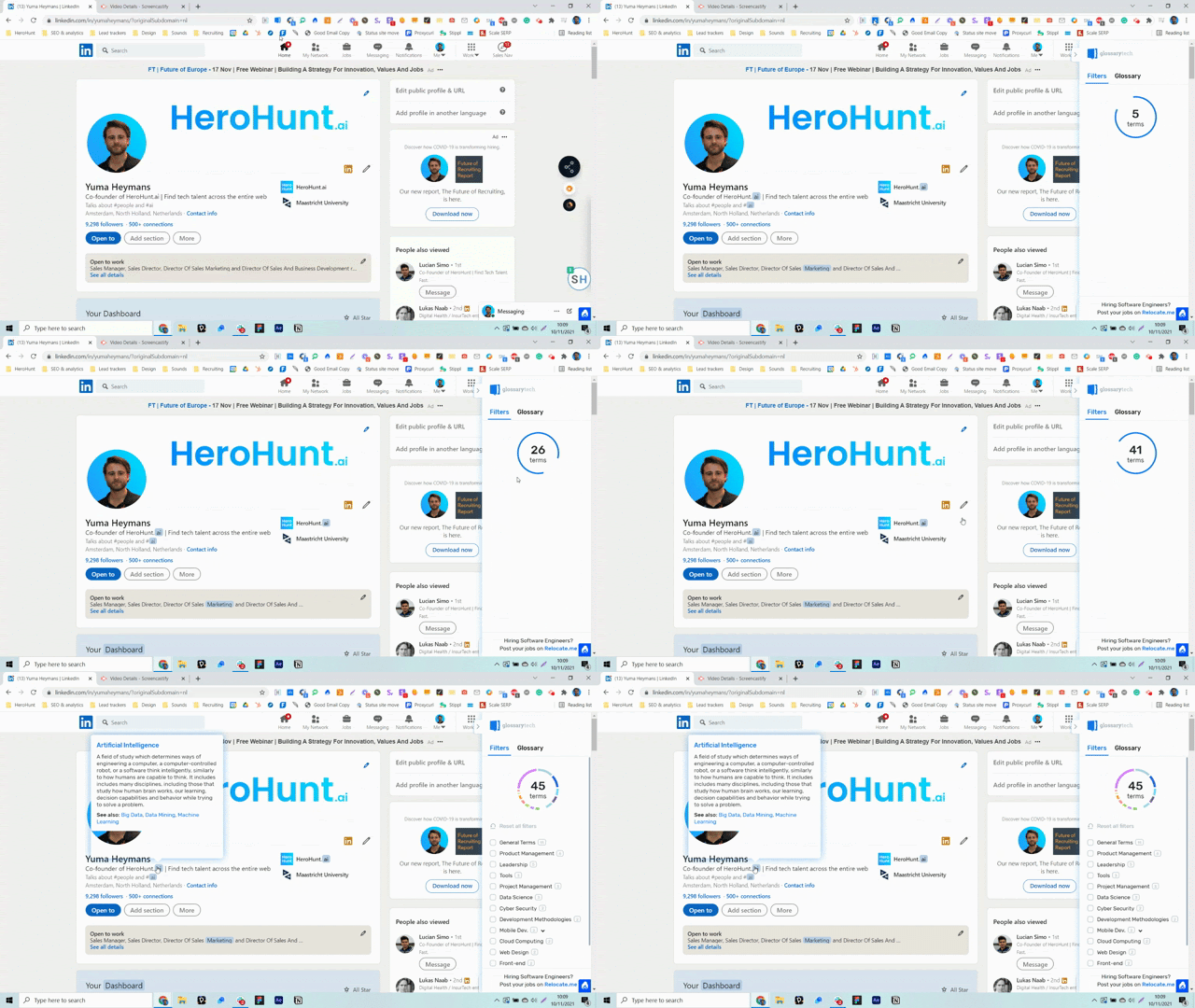
Quillbot helps to correct writing errors in texts that you are writing and suggests ways of rephrasing. Quillbot is great for improving the language used in your outreach messages and the job descriptions you write, and it earns its place fastest if you are recruiting in a language that is not your first. It has grown from a paraphraser into a full writing assistant with grammar checking and translation. You can also use Grammarly, which does the same job.
6. Lightshot
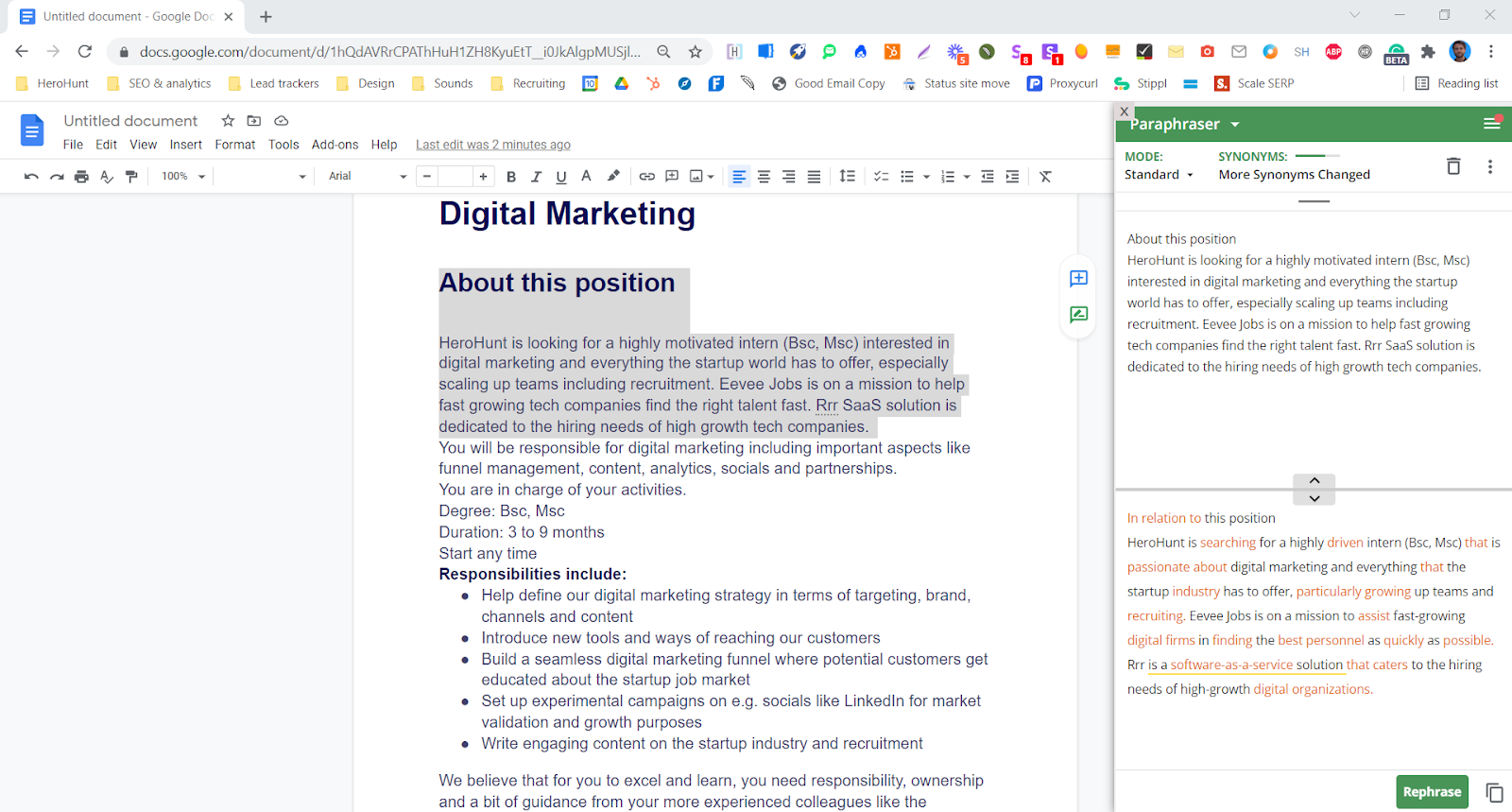
Lightshot is the fastest and most simple screenshot tool. A great way to use it is to make screenshots of important bits of information and share it with candidates. It is also the quickest way to paste evidence into a hiring manager thread: select the region, and the screenshot is on your clipboard.
7. Highlighty
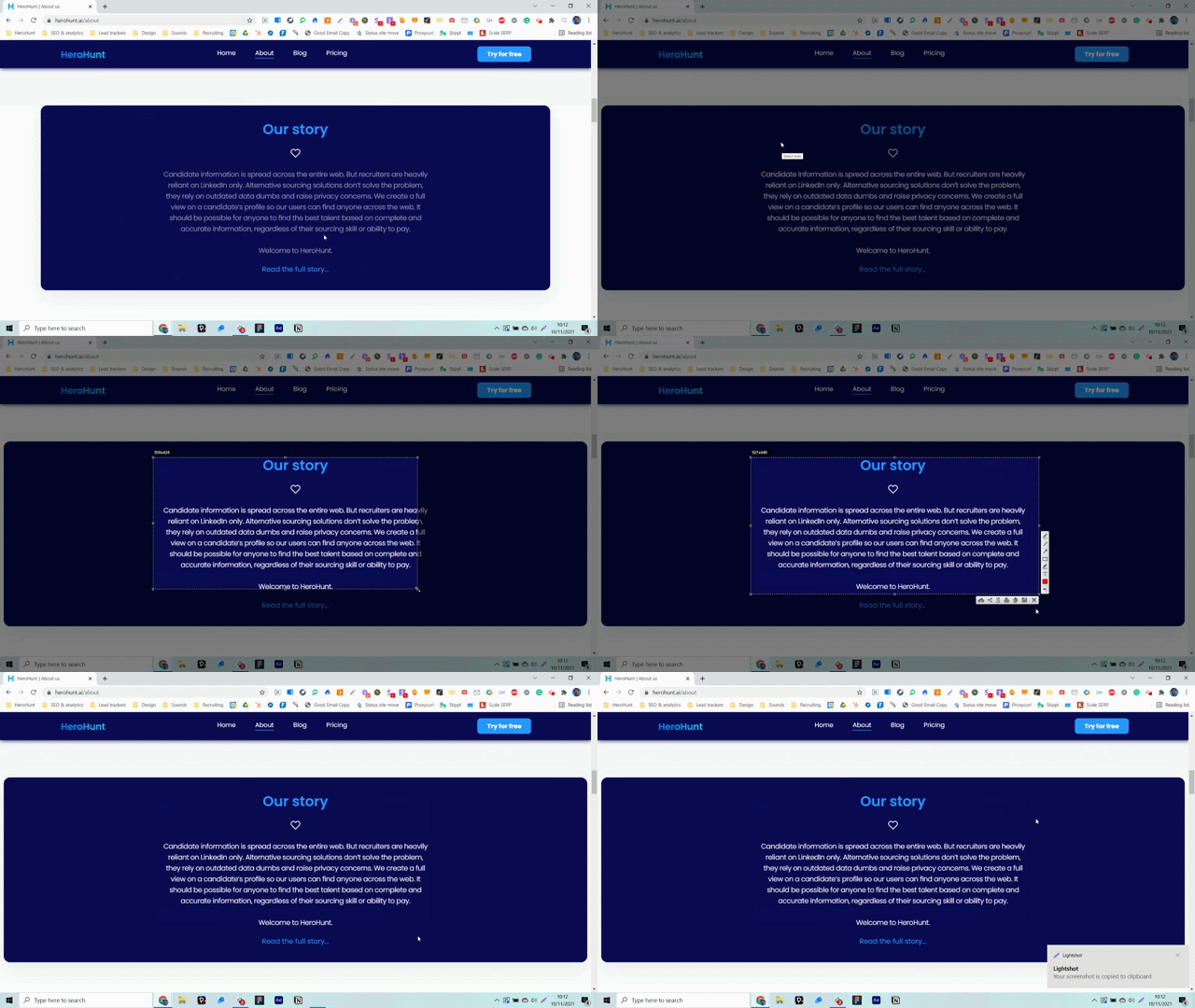
Highlighty highlights keywords that you indicated you want to highlight. This tool is great for quickly getting a view on the presence of desired keywords that you are looking for on a candidates' profile. The way to get real value out of it is to paste the keyword list straight from your boolean search string into Highlighty, so every profile you open is pre marked against the spec you actually searched for and you can judge it in seconds instead of reading it top to bottom.
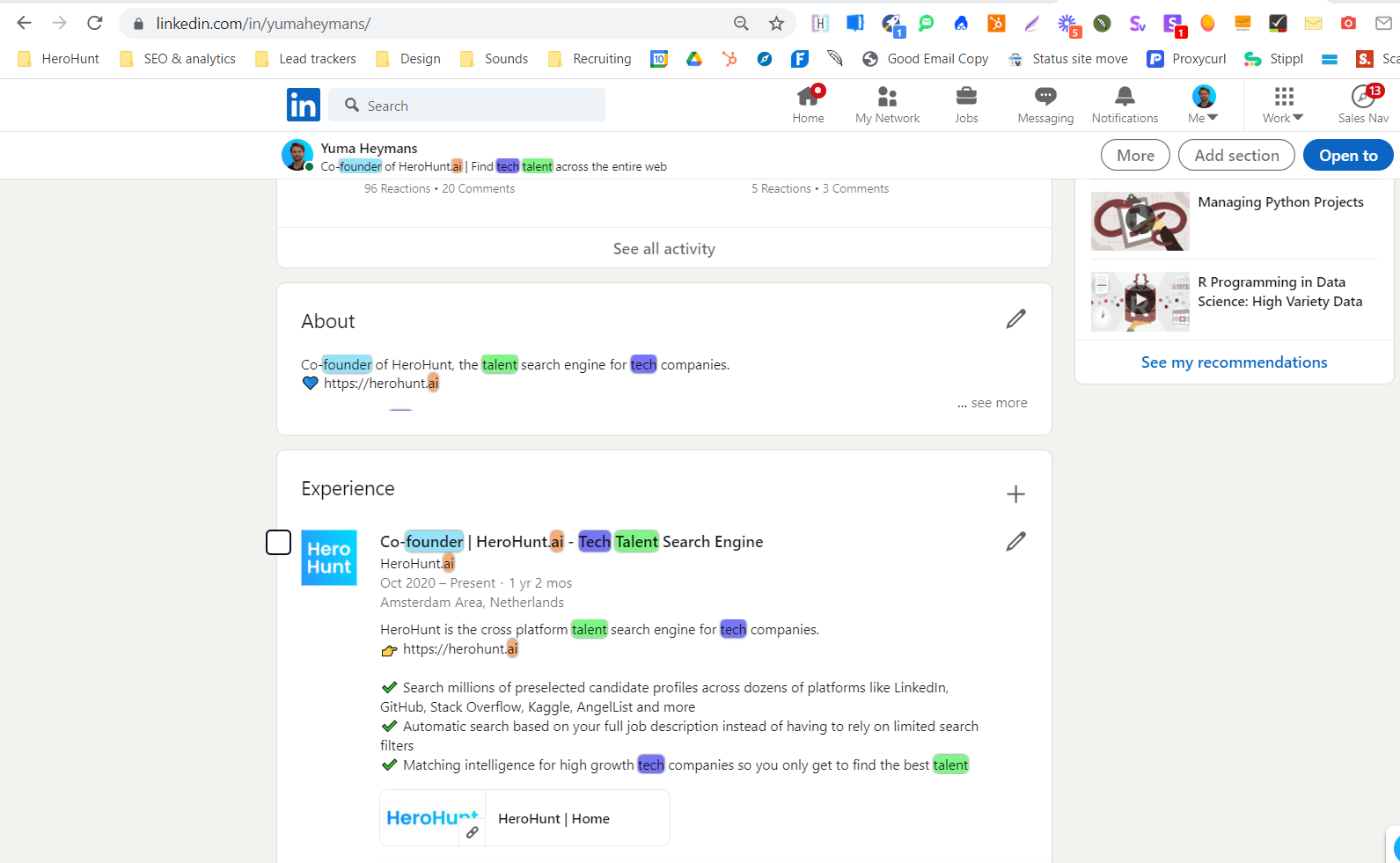
8. Search by image
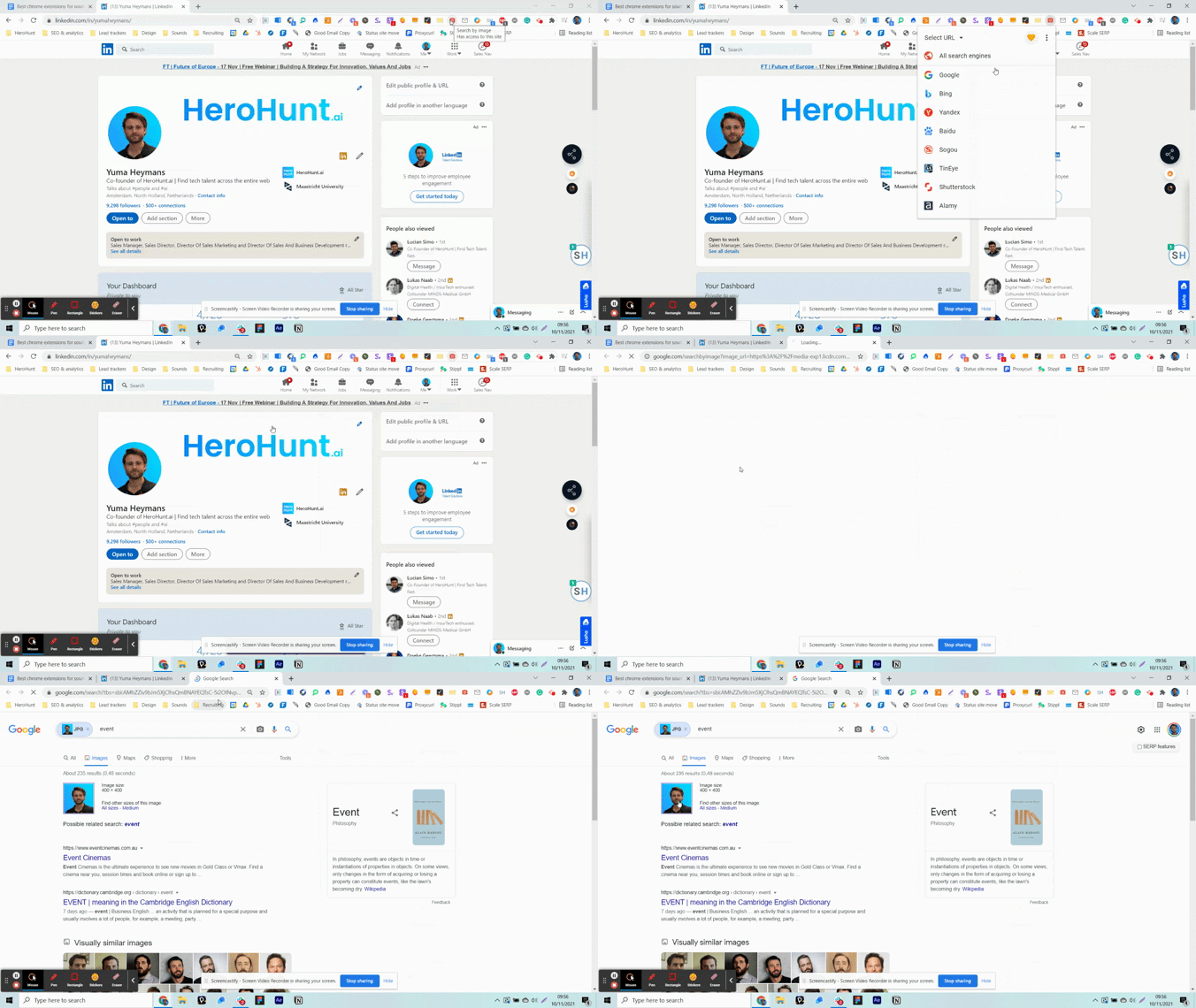
Search by image lets you find additional information about a candidate in Google by simply right clicking their profile picture. Because it's an image search, usually based on a candidate's profile picture, you typically find different information than just Googling their name. Search by image is a great way to find additional public social media accounts of the candidate, and it can run the same picture through several reverse image engines rather than only Google, which is worth doing because they index different corners of the web.
9. Linkclump
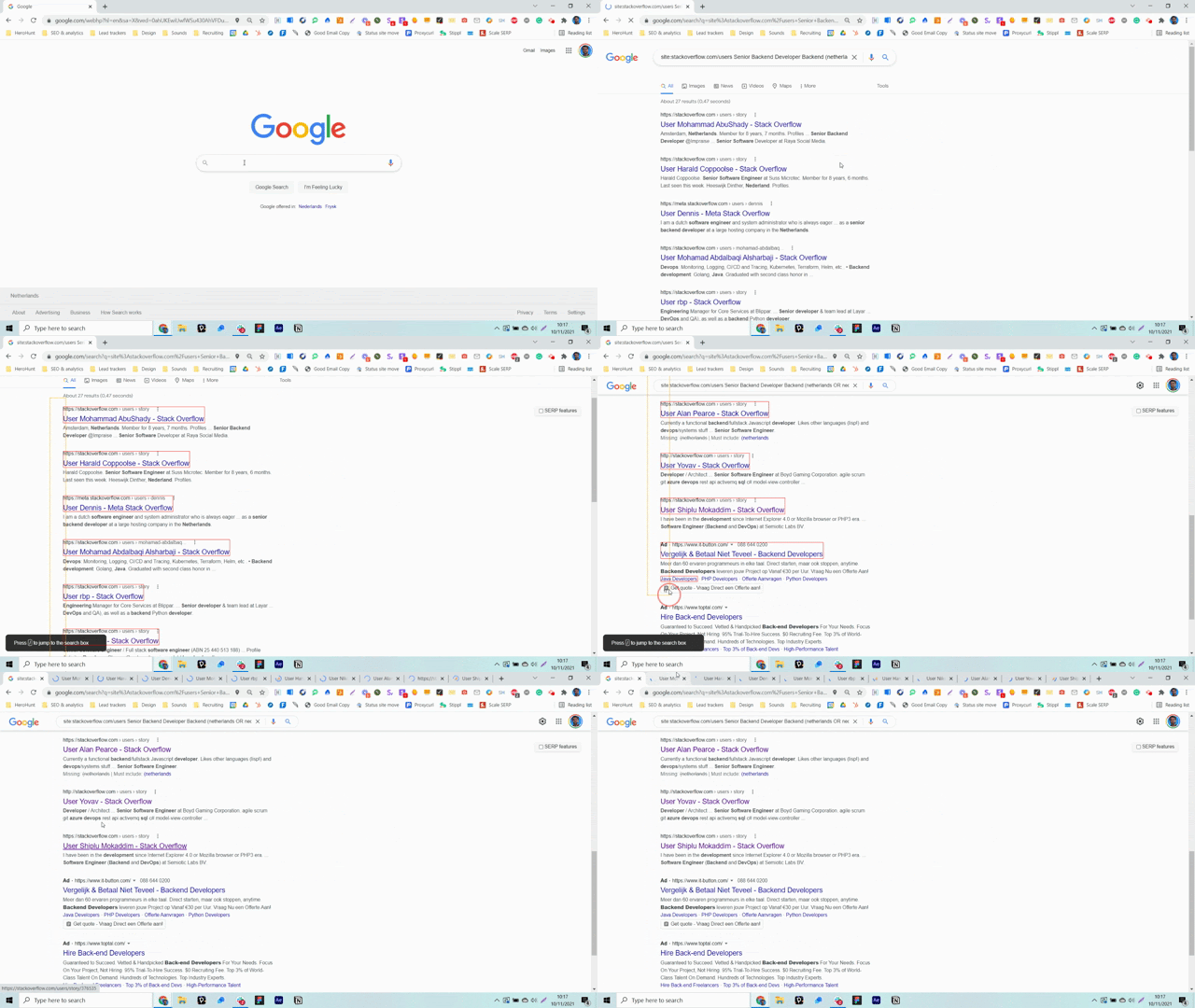
Linkclump lets you open many different links on any page at the same time by dragging a box around them. A great way to use this tool is to open many search results at once without having to click every individual link, which on a page of Google or LinkedIn results turns thirty clicks into one drag. One caveat worth knowing: the original Linkclump is no longer actively maintained, and Chrome's move to Manifest V3 has been hard on extensions of its vintage. If it starts misbehaving, Linkclump Plus is a maintained Manifest V3 fork that does the same thing.
What we dropped: OctoHR
Earlier versions of this list recommended OctoHR, which pulled structured data off a developer's GitHub profile and surfaced their email address when it was public. It is gone: its Chrome Web Store listing no longer resolves, so there is nothing left to install, and every list still recommending it is stale. If GitHub sourcing is the use case you needed it for, ContactOut at number 2 runs on GitHub profiles and covers most of the same ground.
Free to install, so you can test its coverage against your own open roles before you spend a credit.