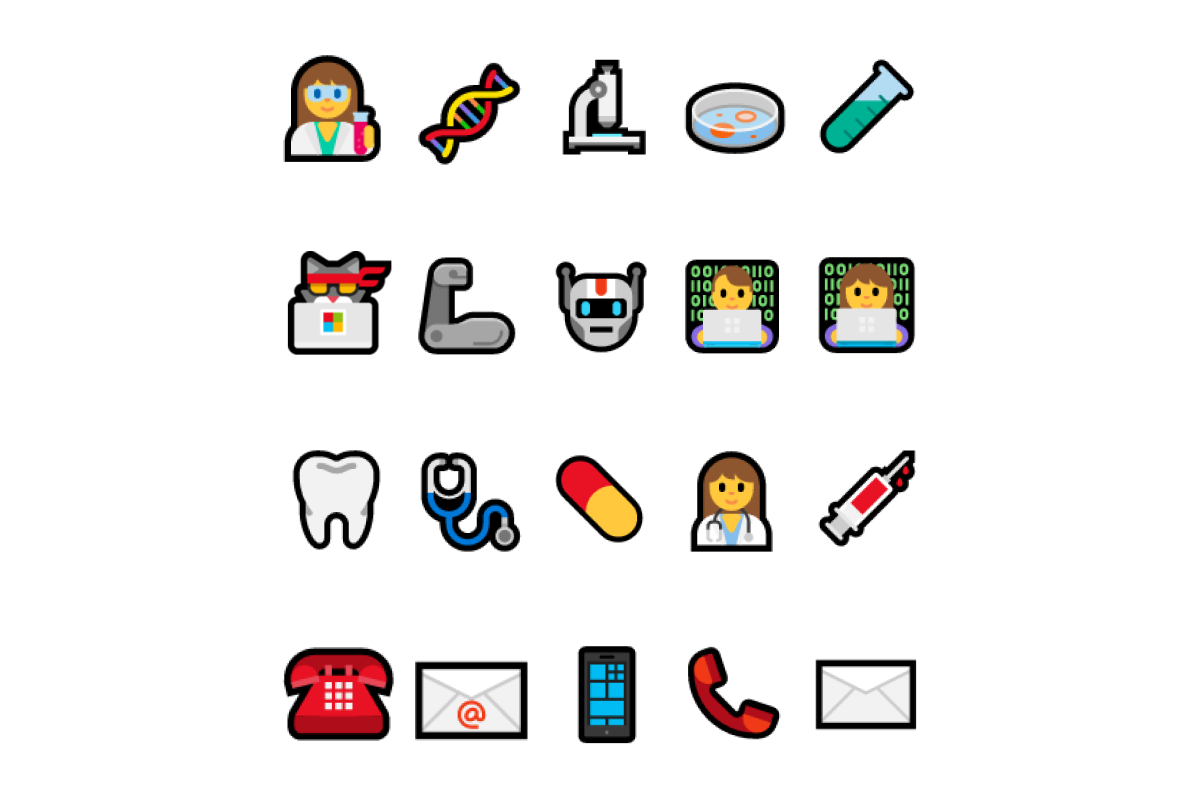



😀👽🤑🤳🧠🕵️🚀👩🎨
Emojis are widely used across the internet nowadays. We use them to lighten up a message, express a sentiment or indicate a certain activity.
What a lot of people don’t know is that you can use them to find people online.
In recruitment, using emojis in your search for candidates can be a powerful way to create very targeted searches for niche talent pools or to find underrepresented candidates.
Using emojis in an X-ray using Google is the easiest way to source based on Emojis.
Pick any category below and try the examples out.
Update: what changed on LinkedIn (and what still works)
Be honest with yourself before you run these: the LinkedIn half of this trick is a shadow of what it was when we first published this post in 2022. In January 2024 LinkedIn stripped its public profiles down, and the fields it removed are exactly the ones emojis live in.
Sourcing researcher Irina Shamaeva documented the change as it happened: "The Headline, About section, Experience, and Education are gone" from public profiles, and LinkedIn notified Google so that the old indexed copies disappeared too - Boolean Strings. That matters here more than it does for a normal keyword X-ray. Almost nobody puts a 👩💻 in their job title field. They put it in their headline or their About section, which is precisely what Google can no longer see.
So set your expectations properly:
- LinkedIn emoji X-rays still return results, but far fewer, and mostly on shallow data (name, current employer) rather than the headline text you are actually aiming at
- Everywhere else the trick is untouched, because those sites still let Google index the full profile text: Kaggle, GitHub, personal portfolio sites, about.me pages and conference speaker bios
- The emoji logic itself is still sound. An emoji is a self-selected label. Nobody types 🧬 by accident, which is what made this worth doing in the first place
The examples below are kept as written, because the syntax is the point and it transfers to any site that Google still indexes properly. Swap site:linkedin.com/in for site:github.com or site:kaggle.com and the same strings do real work. If your goal is specifically LinkedIn, read LinkedIn Recruiter alternatives and how to search them instead, because no Google string gets that data back.
The wider point is that an emoji string exploits a label somebody chose to publish. When that label is missing, or when you need coverage rather than a lucky hit, you need something that reads profiles for you instead of a query that hopes for the right character. That is the gap our own tool, HeroHunt.ai, was built to cover, and it is worth knowing where each approach wins.
HeroHunt.ai
An emoji X-ray is a lucky dip. It returns only the subset of people who happened to self-label with 🧬 or 👩💻, and since the January 2024 redaction Google cannot read the LinkedIn headline and About fields where most of those emojis actually live. HeroHunt.ai works the other way round: you describe the person you want in plain language, it searches across LinkedIn, GitHub, Kaggle and the wider open web, and it screens the matches against your criteria rather than against one character. The honest caveat: it is a paid product built for volume sourcing on a live role, so for the one-off curiosity searches on this page a free Google string is still the faster tool, and no product, this one included, can recover the About-section text LinkedIn took away from public view.
Example emoji searches
Engineers
Female engineers
site:linkedin.com/in 👩💻 engineer
site:linkedin.com/in 👩🏼💻 engineer
Automation experts
Scientists
site:linkedin.com/in (👨🔬 OR 👨🏻🔬 OR 👨🏼🔬 OR 👨🏿🔬)
site:linkedin.com/in (👨🔬 OR 👨🏻🔬 OR 👨🏼🔬 OR 👨🏿🔬 OR 👩🏾🔬 OR 👩🏻🔬 OR 👩🏽🔬 OR 👩🔬)
Medical professionals
Marketing professionals
Legal professionals
People in agriculture
People in beauty
People in construction
Finding contact details with emojis
You can combine your search keywords with contact emojis to find profiles that have their contact details listed. Try the below examples, obviously you can replace "sales executive" with your own keywords.
Read the caveat first, because this is the section the 2024 change hit hardest. People who publish a phone number or an email on a profile almost always put it in the About section, and that is the field LinkedIn removed from public view. On LinkedIn these strings now return a fraction of what they used to. On sites that still expose their profile text (GitHub, Kaggle, personal sites), they work as well as they ever did.
It is also worth being clear about what this hack was, even on its best day in 2022: a way to find the small minority of people who volunteer their contact details in public. That is a real edge for a handful of hard-to-reach names. It has never been a way to contact a shortlist of forty.
site:linkedin.com/in "sales executive" 📞
site:linkedin.com/in "sales executive" ☎️
site:linkedin.com/in "sales executive" (☎️ OR 📞)
site:linkedin.com/in "sales executive" 📩
site:linkedin.com/in "sales executive" 📨
site:linkedin.com/in "sales executive" 📧
site:linkedin.com/in "sales executive" (📩 OR 📨 OR 📧)
site:linkedin.com/in "sales executive" (📩 OR 📨 OR 📧 OR ☎️ OR 📞)
You can basically create any combination that you would expect people to use in their profiles. The only thing you need is the right Emoji (and an internet connection 😉).
If you need contact details at volume rather than for one hard-to-reach name, the honest answer is to stop searching and look the person up. A contact database such as Apollo.io holds work emails and direct dials whether or not somebody decided to advertise them with a 📧, which is the entire difference between the two approaches. What it costs, and where it falls down for the searches on this page:
Apollo.io
Every string on this page finds only the people who chose to publish their email. Apollo inverts that: you look the person up instead of hoping they typed 📧 into the About section that LinkedIn stopped showing Google in 2024. The real numbers: the free plan gives 900 general credits per seat per year, released monthly, and only about ten export credits a month, so it is enough to test the workflow and not enough to run a desk on. Paid starts at $49 per seat per month billed annually, or $65 month to month. The catch that matters here: Apollo is a B2B sales database. It is strong for the "sales executive" example above and genuinely thin for the 👨🌾 farmers, 🦷 dentists and 👷 site workers that make the emoji searches on this page fun. For those, the emoji string is still the better tool.
Let your Emojination run wild
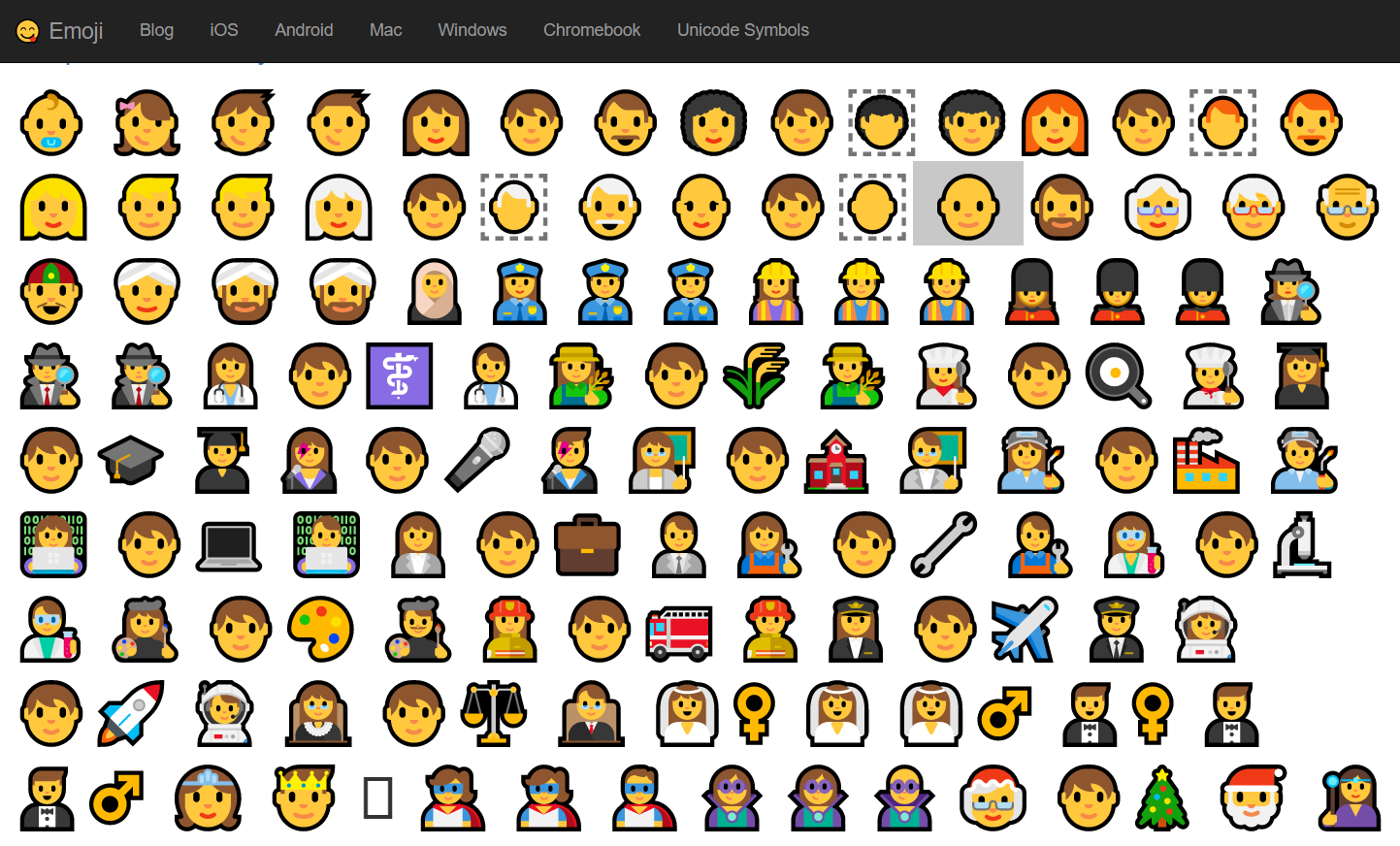
Not sure which emojis to use? This is our favourite source for emojis:
Final tips
- Point these strings at platforms other than LinkedIn, which is where they now work best. On Kaggle, for example: site:kaggle.com "joined * * ago" 👩🏼💻. GitHub, about.me and personal sites work the same way. For the platforms worth searching, see the best LinkedIn Recruiter alternatives and how to search them
- If you want to make these searches more targeted, read how in these two guides: The practical guide to X-raying LinkedIn and One string to boole them all
- For icons displaying people, take into account that different skin tones can be used which you can find on Get Emoji
- Take into account that in your search results sometimes emojis are translated to actual text, so you can find the name of the emoji represented on the profile instead of the emoji itself
Have fun finding people!