


Personalization in outreach is key to getting a response back from prospective candidates.
By personalizing an outreach message you address the prospective candidate personally and relate to their skills, interests and needs.
We have an example here of an outreach message that we know that works and generally gets a high response rate from candidates.
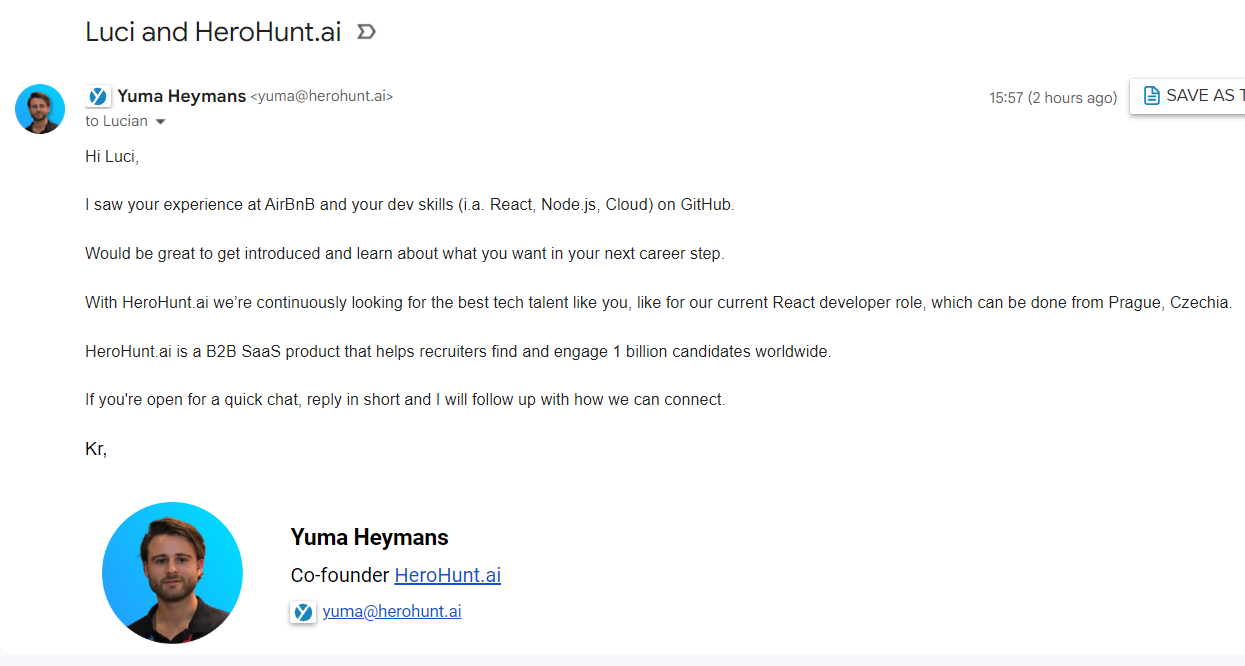
In this blog I'll walk you through this message and I'll show you how we can build it to include all the personalizations; the personal details in this email outreach message.
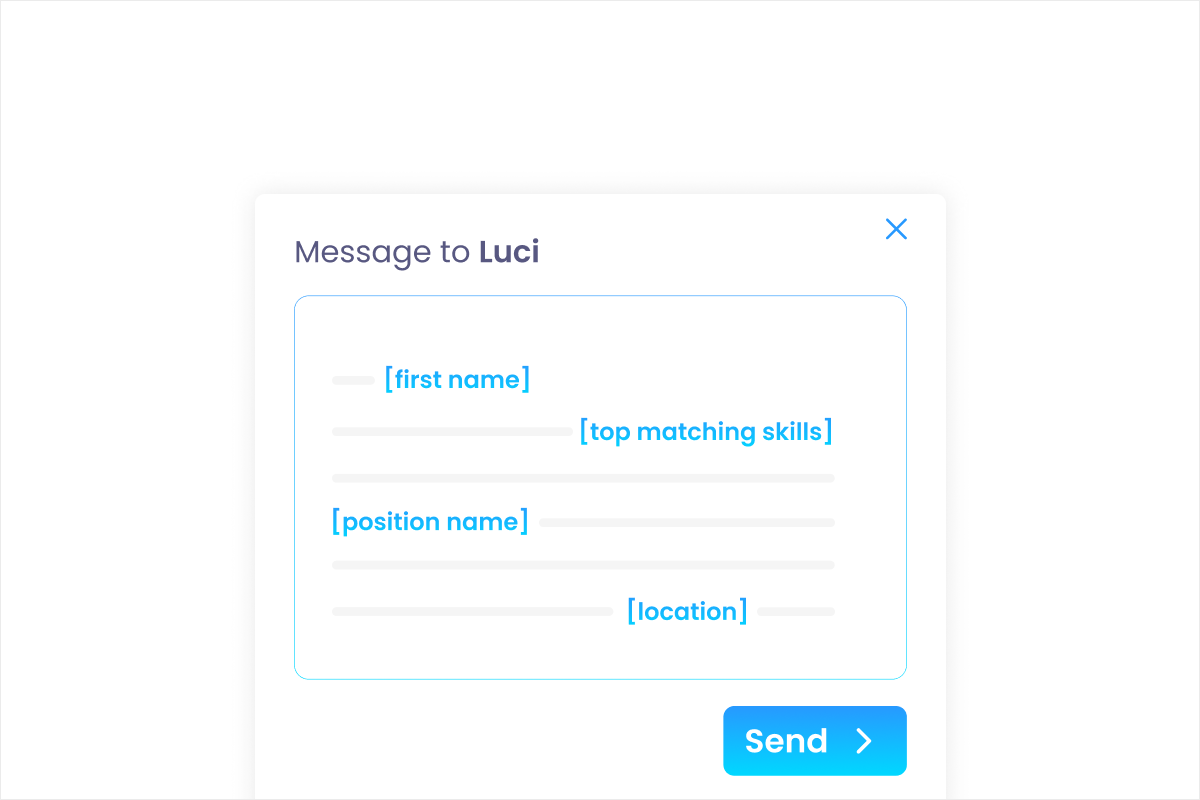
We see a first name mentioned in the message, a company name, we have some development skills mentioned, which can be very, very specific, there is a platform mentioned that we have found the candidate profile on, we have a job title over here and then we have a location mentioned.
All these mentioned data points can be automated in a message so you only have to create the message once, and then have an auto-generated message that is personalized for the particular candidate that you want to reach out to.
We're going to copy this message and I'm going to show you how you can create this personalized message in HeroHunt.ai, which is a talent search and engagement engine that also happens to have like the template feature that we need today to create the personalized message.
We start by creating the template and we can mention the dialogue templates.
Create a new template
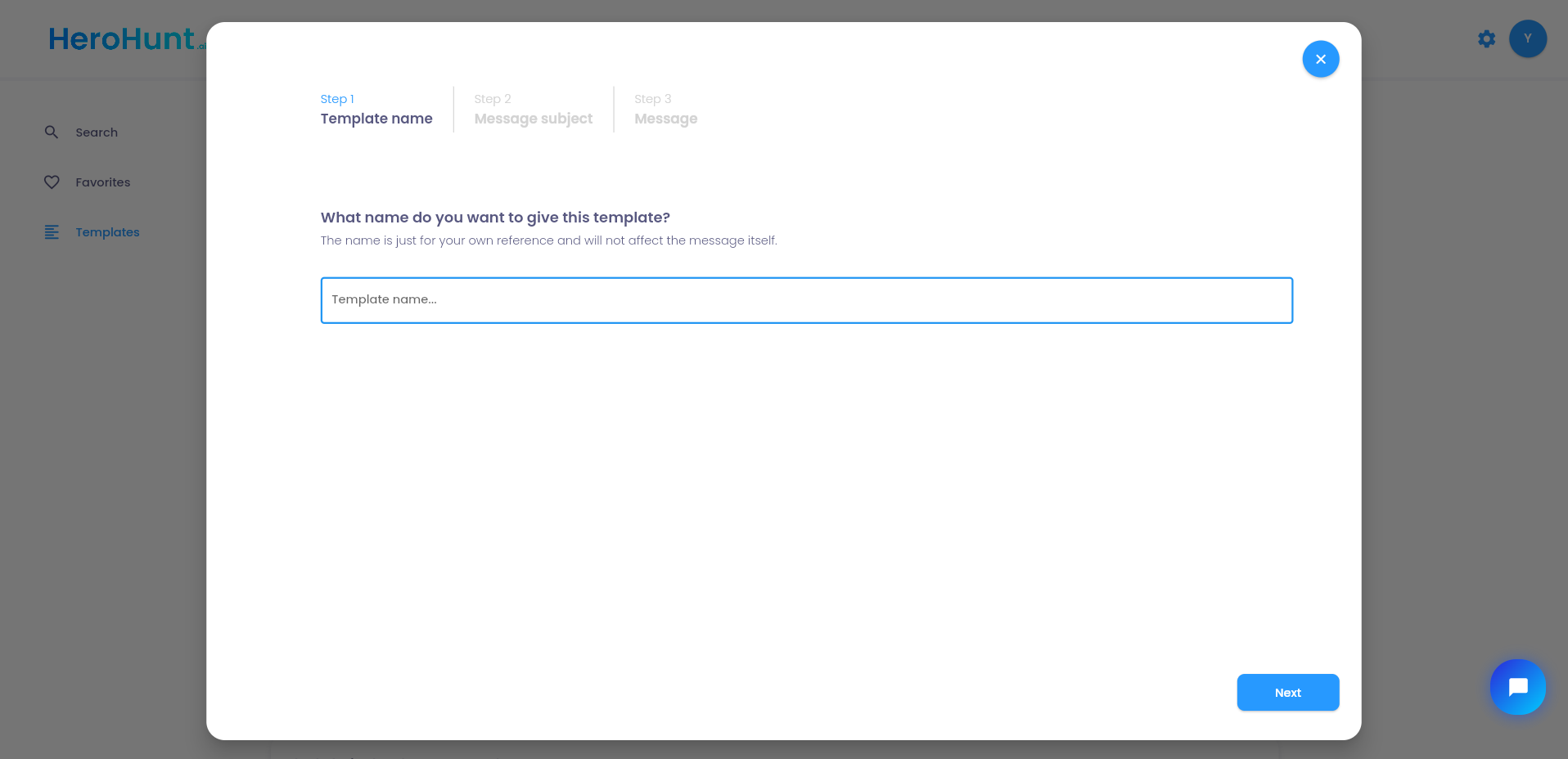
We can call the template whatever we want. The subject line however, is a bit more important because it will be candidate facing they will see the subject line as the subject line of the email that they will be receiving.
So we say first name and your company name for example.
Subject line with personalization
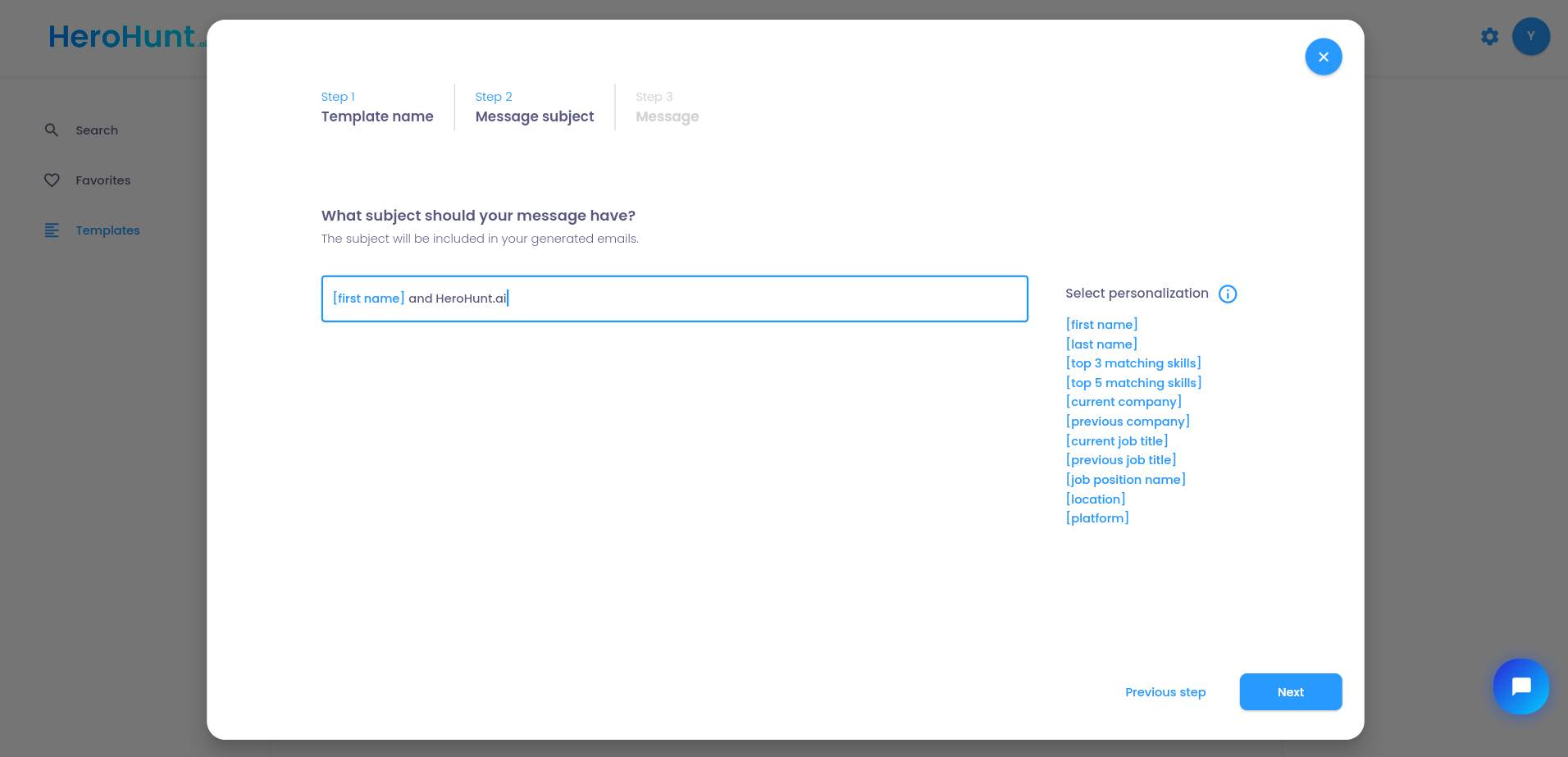
The body of the message works exactly the same way. Every data point we spotted in the original message (first name, company name, the development skills, the platform we found the profile on, the job title and the location) goes in as a variable instead of as typed text. You write the message once, and each candidate receives a version that reads as though it was written for them.
A few things worth getting right before you send at volume
Check that the fields you reference are actually filled for the candidates in your project. A variable with nothing behind it is the one failure mode that really hurts you: "Hi ," or "I saw your work at ." tells the candidate instantly that they are number 400 in a sequence, which is worse than sending no personalization at all. Run the template against a handful of profiles and read the output before the whole list goes out.
Personalize on things you can actually see on the profile. Skills, current employer, job title and location are on the profile, so referencing them is accurate by construction. Guessing at motivation ("you must be ready for a new challenge") is not personalization, it is a template pretending to be one, and candidates read straight through it.
Keep the personalization load to a few strong details rather than every variable you have available. The point of the message above is not that it mentions six data points, it is that the ones it mentions are specific and relevant to the role. A message stuffed with variables starts reading like a mail merge again.
That is the whole trick: the personalization is created once, and the engine does the per-candidate work for every message after that.