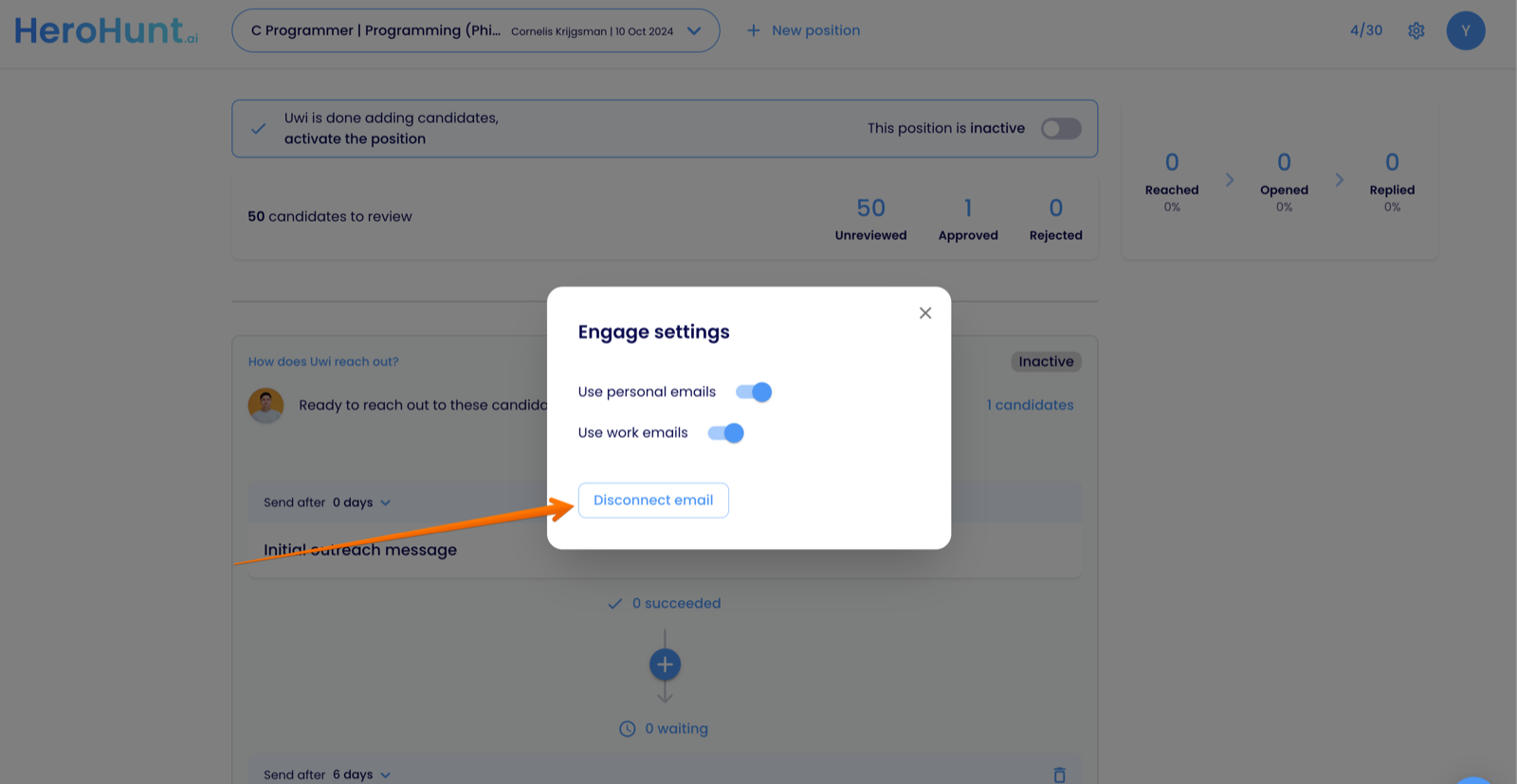
You can (re)connect your email by going to Settings > Engage settings and clicking disconnect, then click connect again and connect the email address that you want to be used by AI Recruiter for sending the email messages.
The connected email is also the mailbox where you'll receive candidate replies.