



Introduction to Ashby ATS
Ashby is an all-in-one recruiting platform: applicant tracking, scheduling, sourcing, CRM and analytics in one product rather than four. It is popular with fast-growing tech companies, largely because the analytics are strong out of the box and the interface does not fight you.
Ashby publishes exactly one price. The Foundations plan is $400/month for companies with up to 100 employees, with a 10% discount for annual commitments. Above that, Plus (positioned for 101 to 1,000 employees) and Enterprise (1,000+) are quoted individually, based on company size, usage and commitment. Note the unit: the bands are employee counts, not recruiter seats.
What Ashby's sourcing actually does today
An older version of this article said Ashby could not source passive candidates. That is no longer true, and if you are evaluating a sourcing tool for Ashby you should start from what you already have.
Ashby ships a Chrome extension with a real sourcing workflow. From a LinkedIn or GitHub profile you can add someone to Ashby, see whether they already exist in your database (matched on LinkedIn URL), look up a personal email address, and enroll them in a multi-step email sequence. There are talent pools for organising people you are not ready to pitch yet, and sequences can mix email and LinkedIn touches.
Two limits are worth knowing before you plan a sourcing sprint around it:
- Email lookups are metered. The number you get depends on your plan. They reset at midnight local time on the last day of each month, unused lookups do not roll over, and you can buy more if you run out. Budget them, because a burst of sourcing at month-end wastes whatever you did not spend.
- LinkedIn's own limits bind you, not Ashby's. LinkedIn caps resume downloads at 200 per month per user, and LinkedIn Recruiter allows 25 candidates per export. Any extension-based workflow inherits these.
One recent change matters if you last looked at the extension a while ago. On 13 March 2026 Ashby moved it from an in-page popover to a Chrome side panel and removed the UI elements that modified LinkedIn pages, including the "in Ashby" indicator on LinkedIn search pages and lists. Adding candidates is now done three ways: LinkedIn URL lookup, LinkedIn resume PDF upload, or manual entry. Practically, that means less at-a-glance triage while scrolling a search result list, and more work per profile.
Sourcing Candidates in Ashby through Integration
So the honest gap is not "Ashby cannot source". It is that Ashby's extension captures candidates you have already found. You still have to do the finding: run the search, read the profiles, decide who is worth a lookup, one at a time, inside LinkedIn's caps.
That is the gap the HeroHunt.ai integration fills. HeroHunt.ai searches the open internet for people matching a role (LinkedIn, GitHub and other public sources), screens them against your criteria, and pushes the ones you keep into Ashby, along with sequenced email outreach. Ashby stays the system of record and the reporting layer. HeroHunt.ai does the top-of-funnel work of producing candidates worth putting in it.
If your bottleneck is inbound volume rather than a lack of applicants, this pairing is worth setting up. If you are filling one or two roles a quarter and Ashby's extension keeps up, you do not need it.
Setting up sourcing with Ashby and HeroHunt.ai
Setup is short. Here is the whole thing.
1. Register for Ashby if You Haven't Already
New users should first sign up for Ashby. Existing Ashby users can move on to the next step.
2. Sign Up for HeroHunt.ai
Follow the sign-up link on the HeroHunt.ai website.
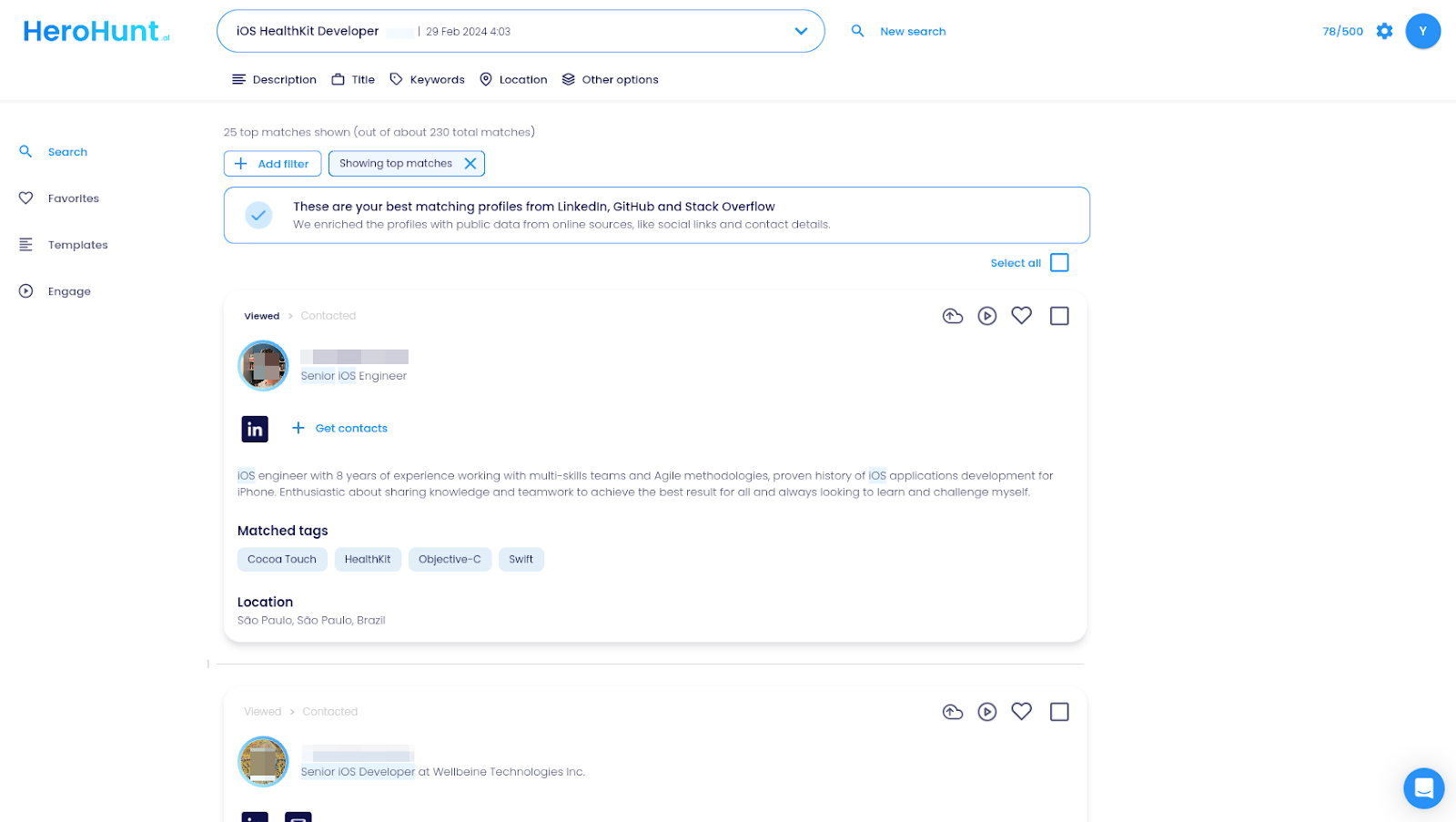
3. Activate the Ashby Integration in HeroHunt.ai
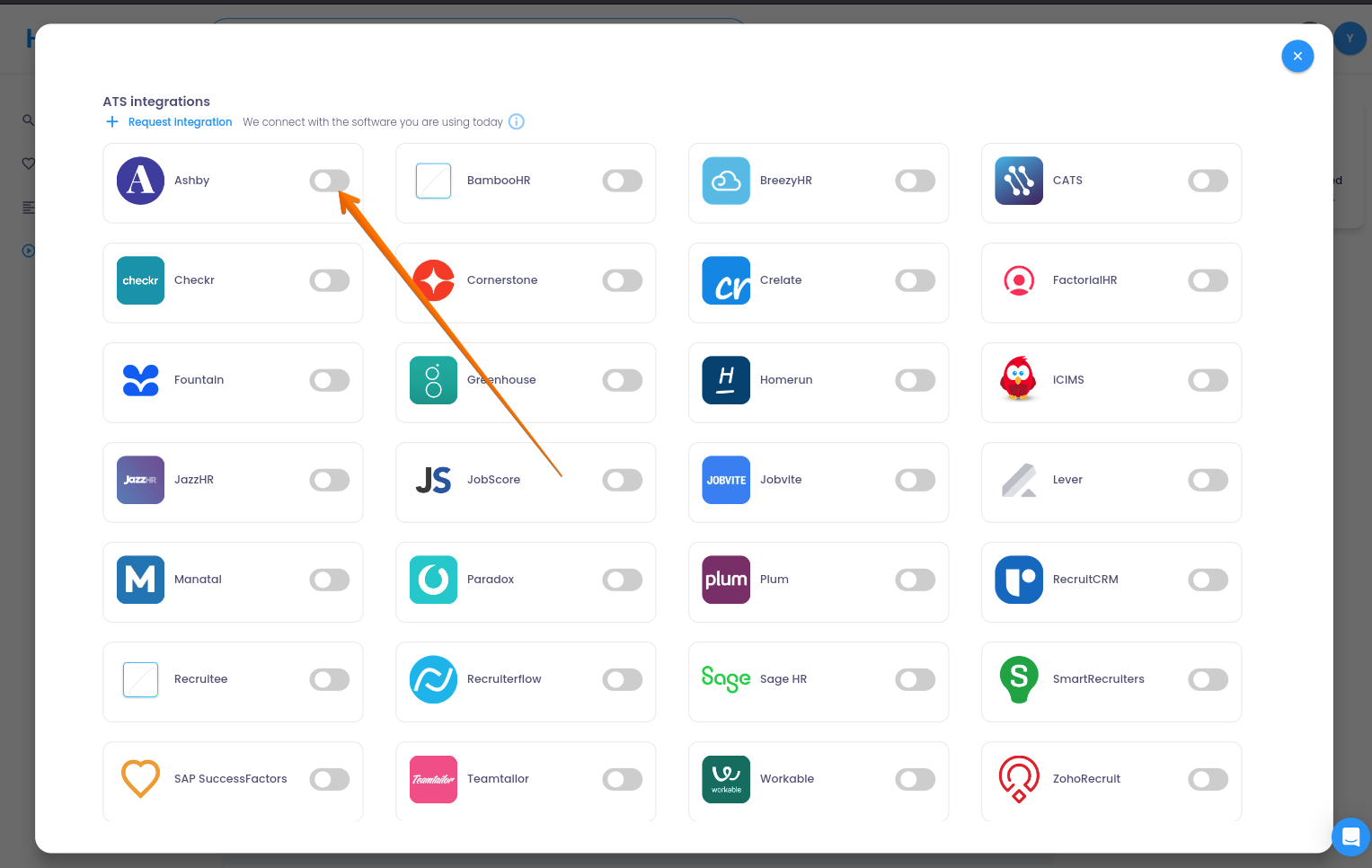
Go to Settings > Integrations in HeroHunt.ai and connect your Ashby account with your Ashby API key. Ashby API keys are created by an admin in Ashby, so if you are not one, this is the step where you need a colleague.
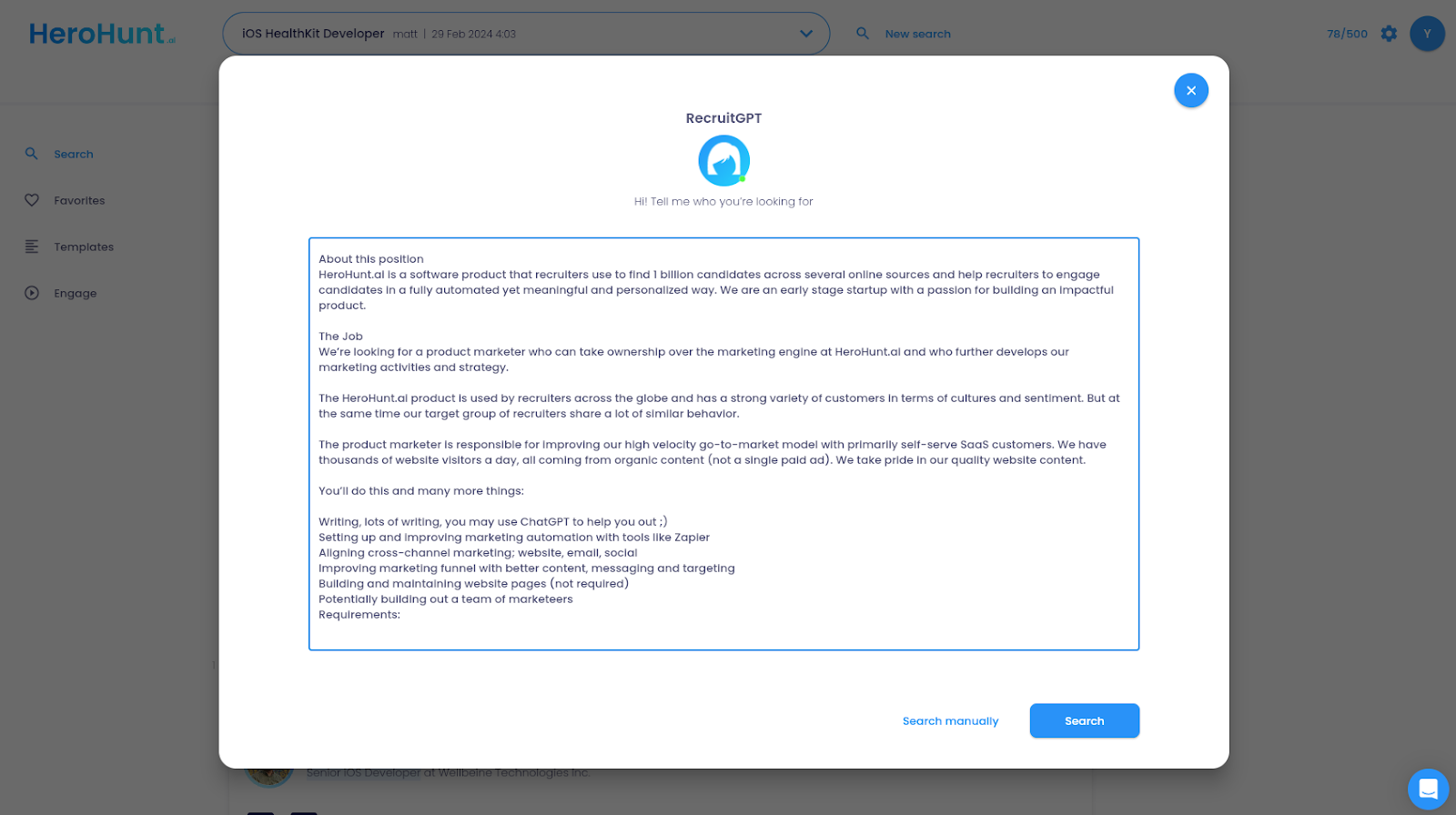
4. Start Sourcing New Candidates
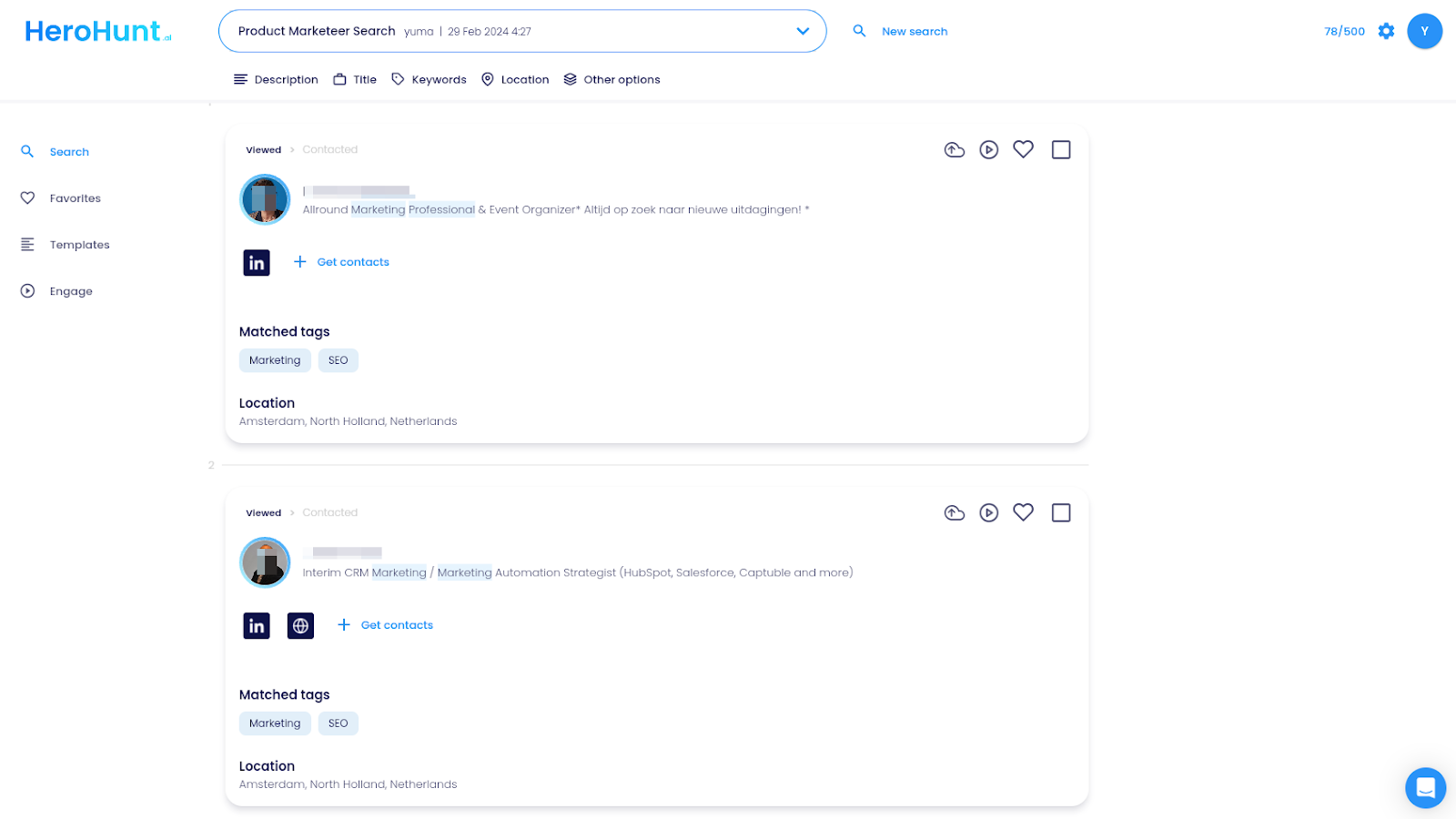
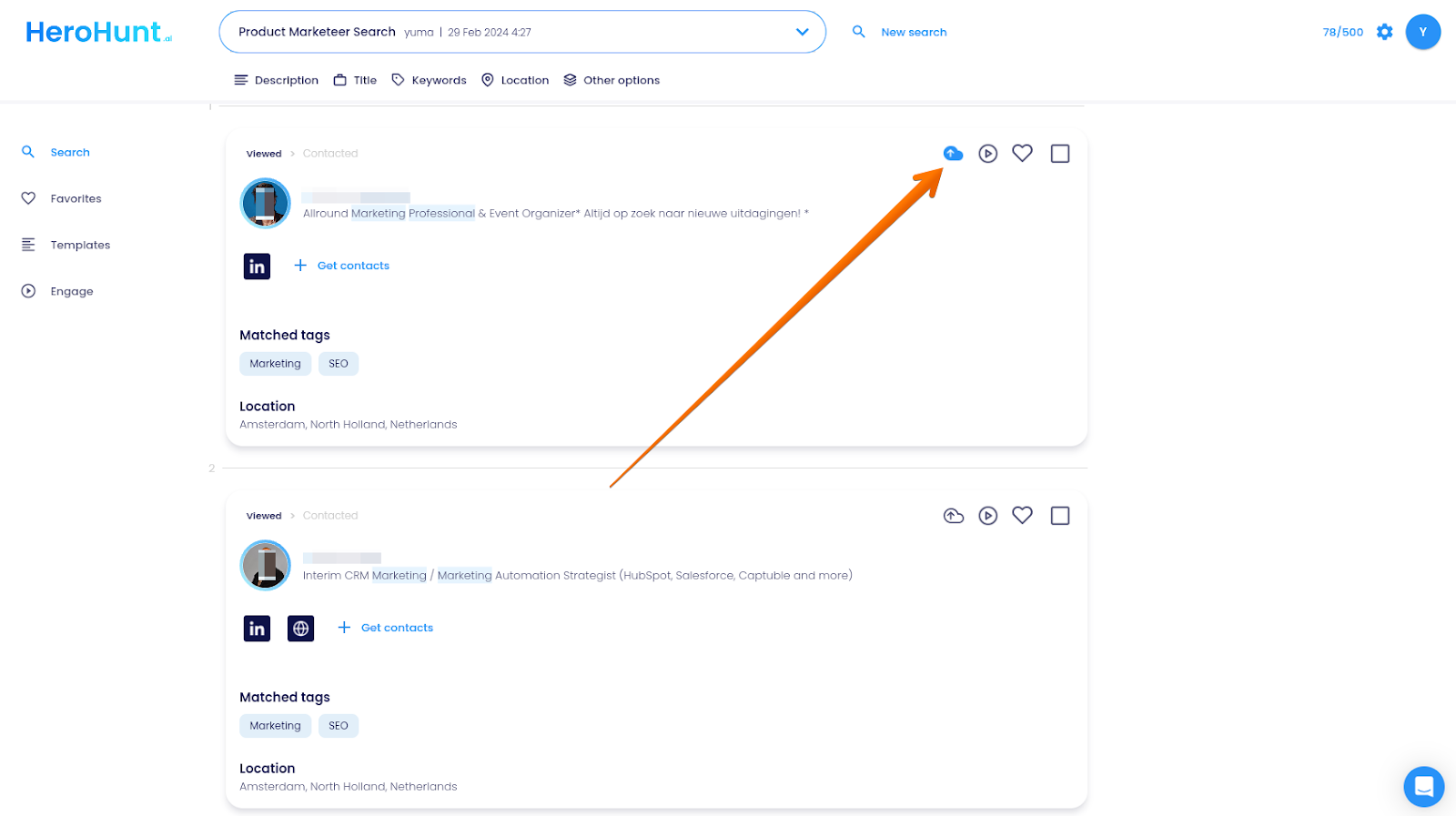
With the two accounts connected, you can find candidates in HeroHunt.ai and import them into Ashby. Say you are hiring a Marketing Manager: describe the role and the criteria that actually disqualify people, review the matches, and sync the profiles you keep to your Ashby ATS.
A note on the criteria. The quality of what lands in Ashby depends almost entirely on how specific you are here. "Marketing Manager, Berlin" produces a long list you will not read. "Marketing Manager who has run paid acquisition for a B2B SaaS company under 200 people, in Berlin, German-speaking" produces a shortlist you will.
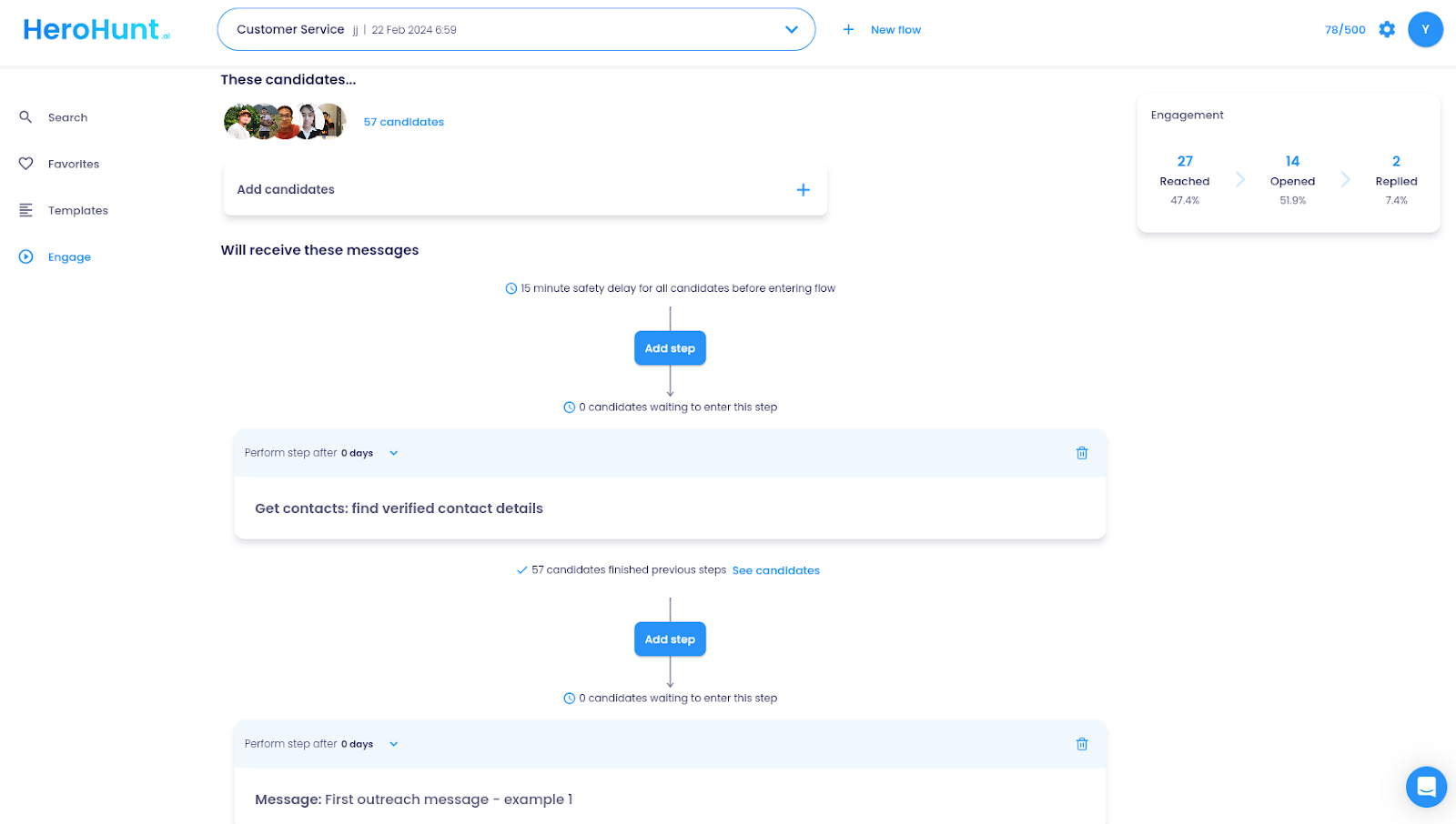
For outreach, HeroHunt.ai's Engage feature sends personalised messages on a sequence and syncs the profiles into Ashby as it goes. If you also run sequences natively in Ashby, pick one place to run them. Two systems messaging the same person is the fastest way to burn a good candidate.
Which one should do what
The split that works in practice: Ashby owns the pipeline, the scheduling, the scorecards and the reporting. The sourcing tool owns finding people and getting the first reply. Keep the source field clean on import (Ashby tags extension adds as "sourced ashby chrome extension", so tag the synced ones distinctly) and your sourcing analytics in Ashby will actually tell you which channel is producing hires, which is the reason most teams bought Ashby in the first place.