


Teamtailor introduction
Teamtailor is an Applicant Tracking System (ATS) and employer branding platform built to streamline recruitment and improve the candidate experience. It is used by over 12,000 companies across more than 90 countries, and is generally praised for its ease of use and collaborative hiring features, though larger enterprises sometimes find its analytics and reporting less deep than dedicated tools. A notable feature is the Co-pilot AI assistant, powered by OpenAI's GPT models, which drafts job ads, summarises CVs, screens applicants against your criteria, and surfaces strong matches already sitting in your talent pool.
How to source new candidates in Teamtailor
Teamtailor gives you tools to capture candidates you have already found: a browser extension that adds a profile from whatever page you are viewing, and LinkedIn Recruiter System Connect to export candidates out of LinkedIn. What it does not do is run an automated search across the web to surface new passive candidates for you. Co-pilot only searches the profiles already in your own database, not the open talent market.
That gap is exactly what a dedicated sourcing tool fills. Since Teamtailor integrates with HeroHunt.ai, you can find new passive candidates in HeroHunt.ai and then sync the profiles you like straight into Teamtailor.
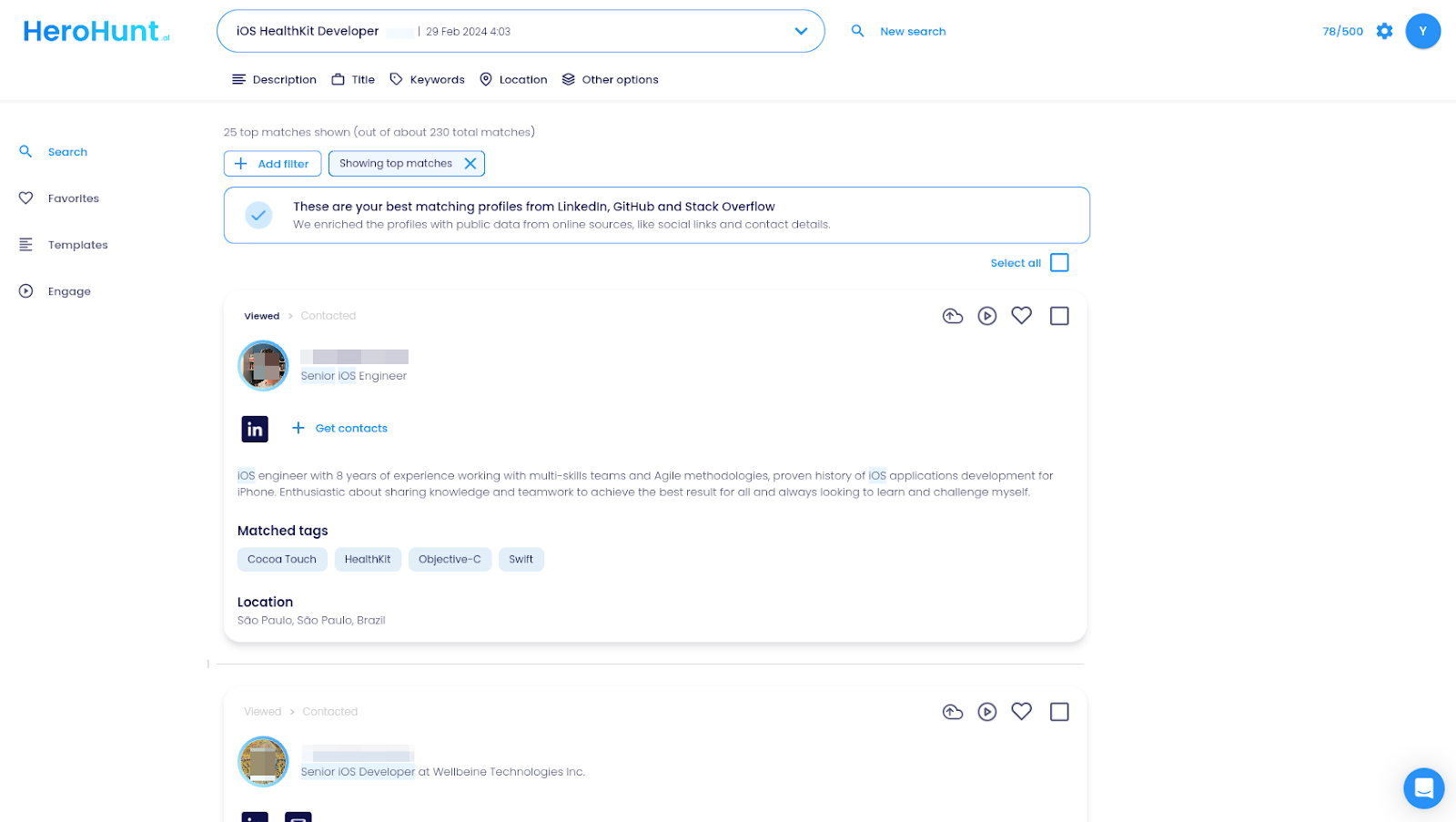
In HeroHunt.ai you run an automated search for talent that finds the best-matching candidates across the web, including platforms like LinkedIn and GitHub, which you can review and then add to Teamtailor.
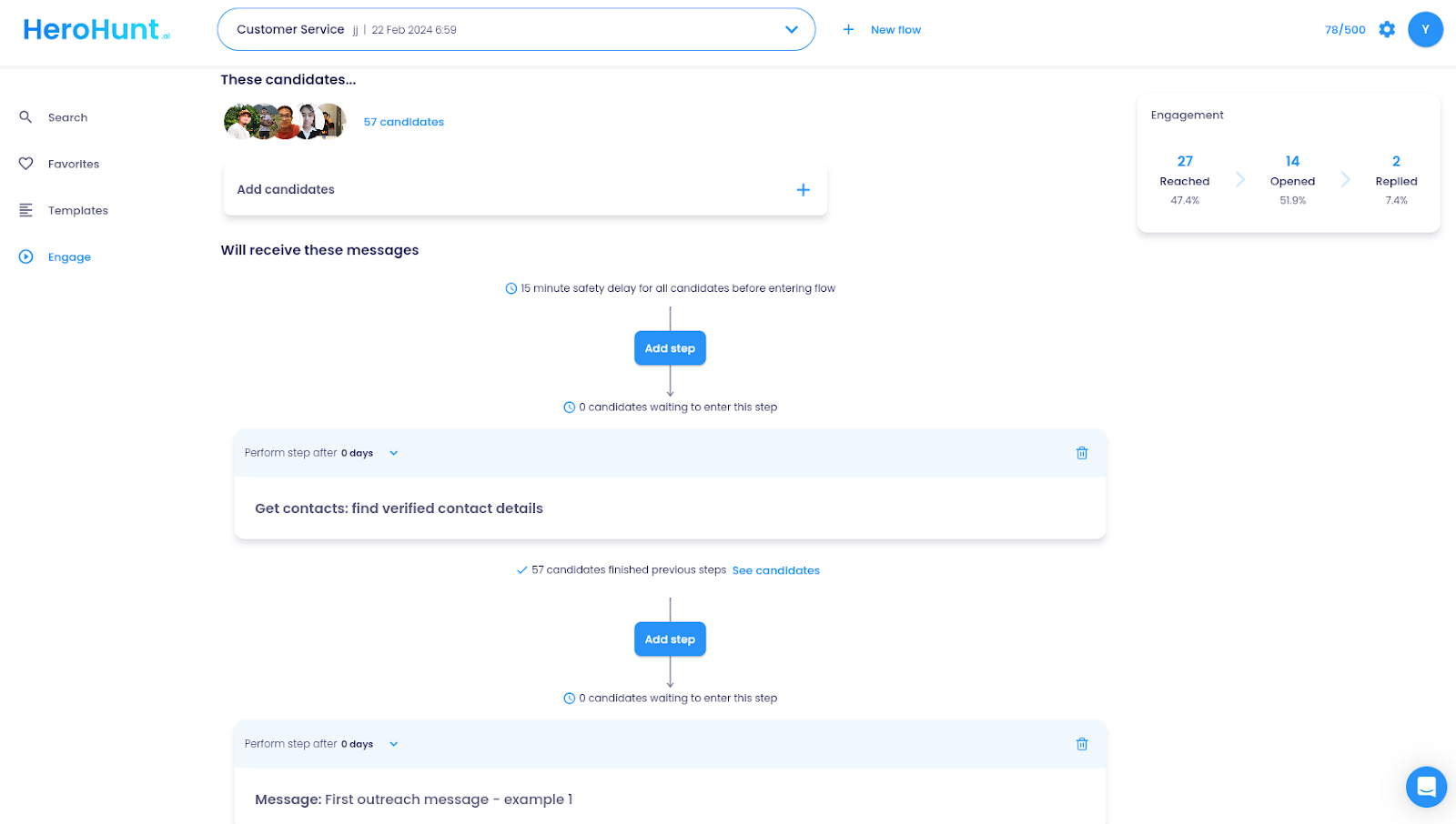
HeroHunt.ai also lets you reach candidates automatically with message sequences that send auto-generated, personalized emails, so sourcing and first outreach happen in one flow before the profiles land in your ATS.
How to get started with a sourcing tool that integrates with Teamtailor
This is a simple guide to get started with sourcing new candidates for your talent pipeline in Teamtailor.
- Sign up to Teamtailor if you don’t have an account yet
- Sign up to HeroHunt.ai if you don’t have an account yet
- Enable the Teamtailor integration in HeroHunt.ai
- Go source new candidates!
1. Sign up to Teamtailor if you don’t have an account yet
If you already have a Teamtailor account you can skip this step. If you don’t have a Teamtailor account yet, go to this link and start your free trial.
2. Sign up to HeroHunt.ai if you don’t have an account yet
If you don’t have a HeroHunt.ai account yet, go to this link and get started.
Now you’re a HeroHunt.ai user you can start sourcing new candidates, but one more thing to do before you start sourcing.
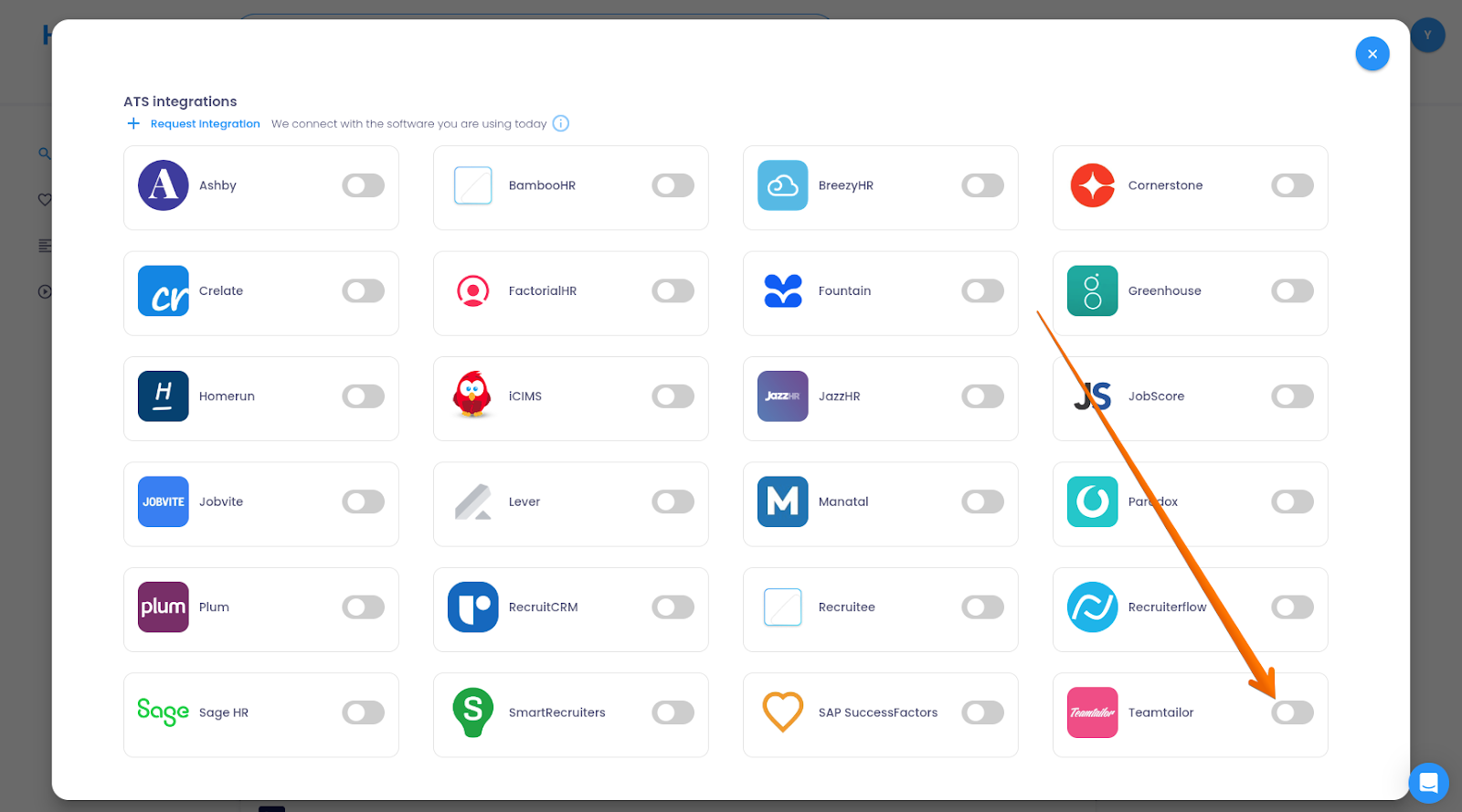
3. Enable the Teamtailor integration in HeroHunt.ai
Go to Settings > Integrations.
From there, connect Teamtailor. Use your API key to connect your Teamtailor account to HeroHunt.ai.
4. Go source new candidates!
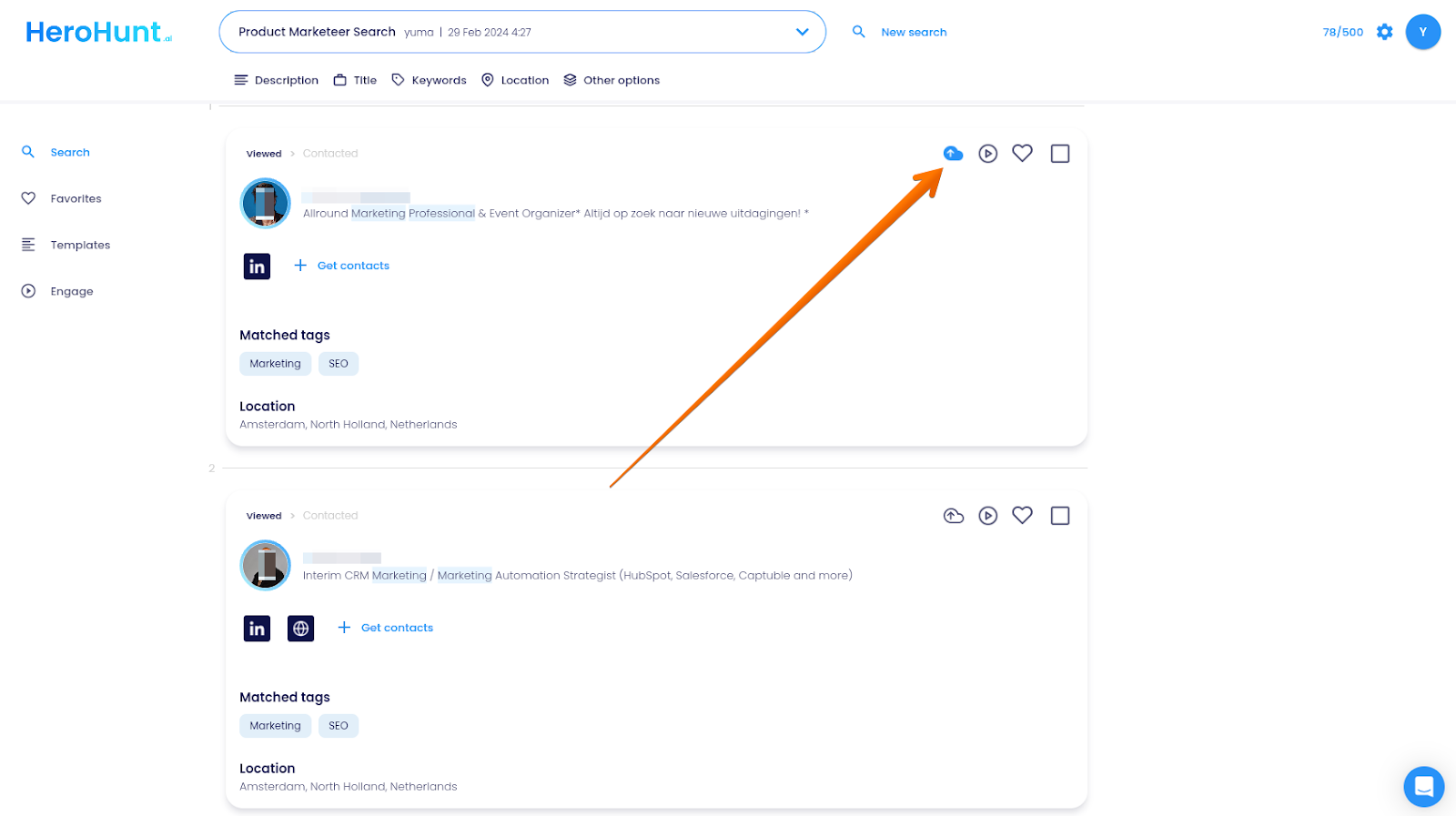
Now Teamtailor is connected to HeroHunt.ai, you can find new interesting candidate profiles in HeroHunt.ai and sync them with Teamtailor.
For example, you are looking for a Marketing Manager, you copy your job description in HeroHunt.ai.
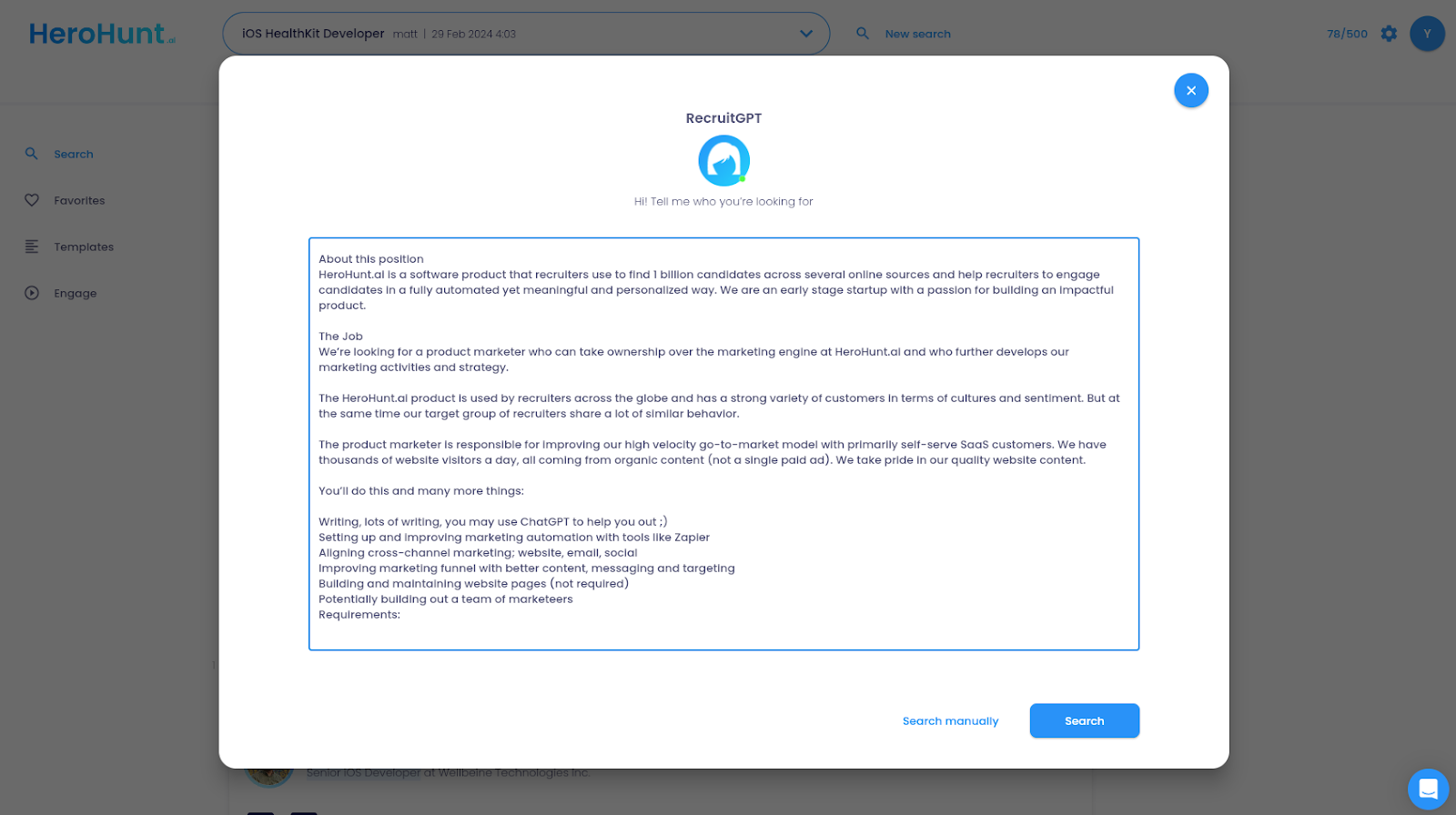
HeroHunt.ai will find the best candidates for your job.
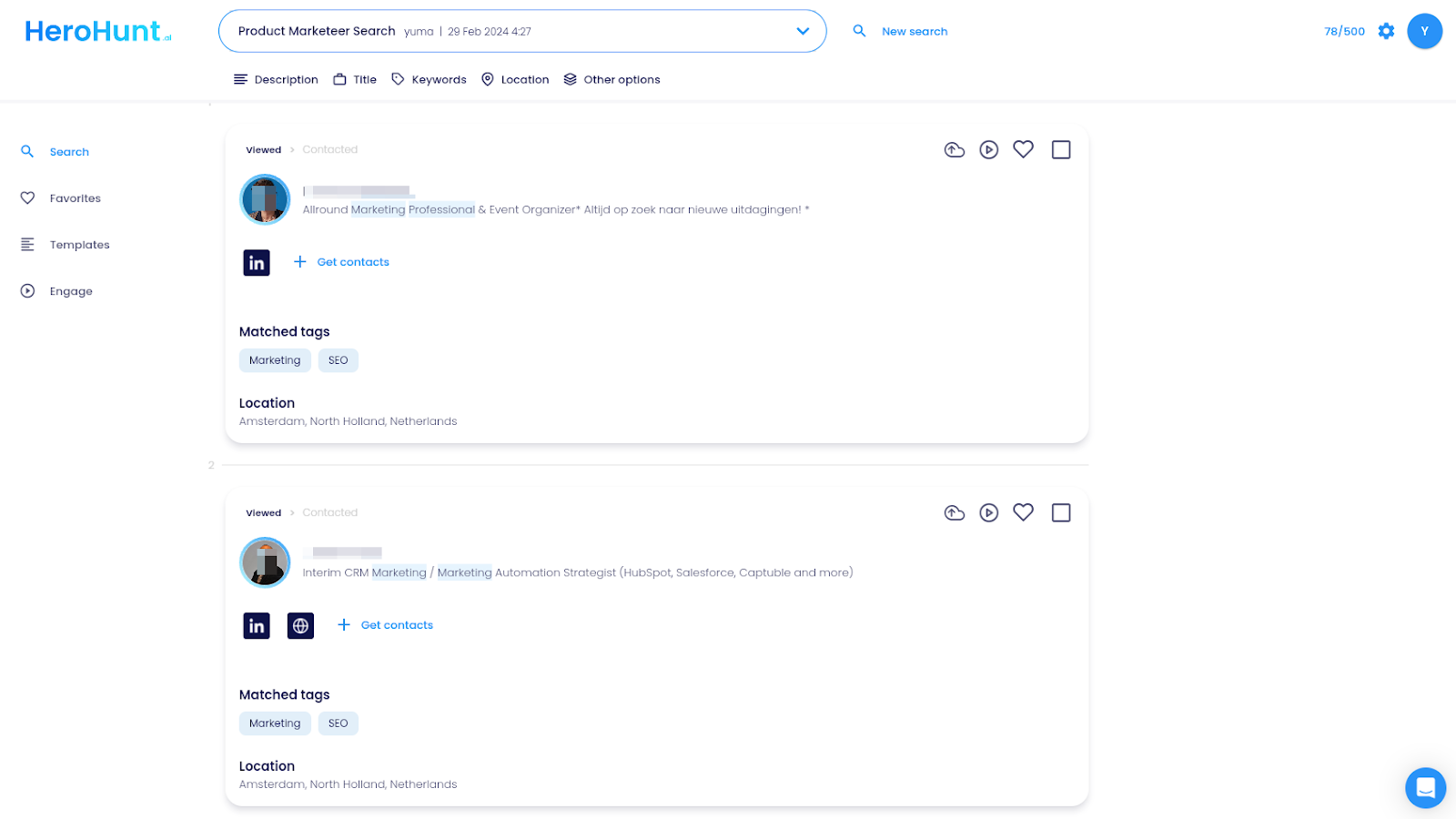
And you can easily have the profiles you like synced with your Teamtailor ATS.
If you prefer to do things in a more automated way, you can use Engage in HeroHunt.ai to automatically reach out to candidates with autogenerated personalized messages and then sync the candidate profiles with Teamtailor.